
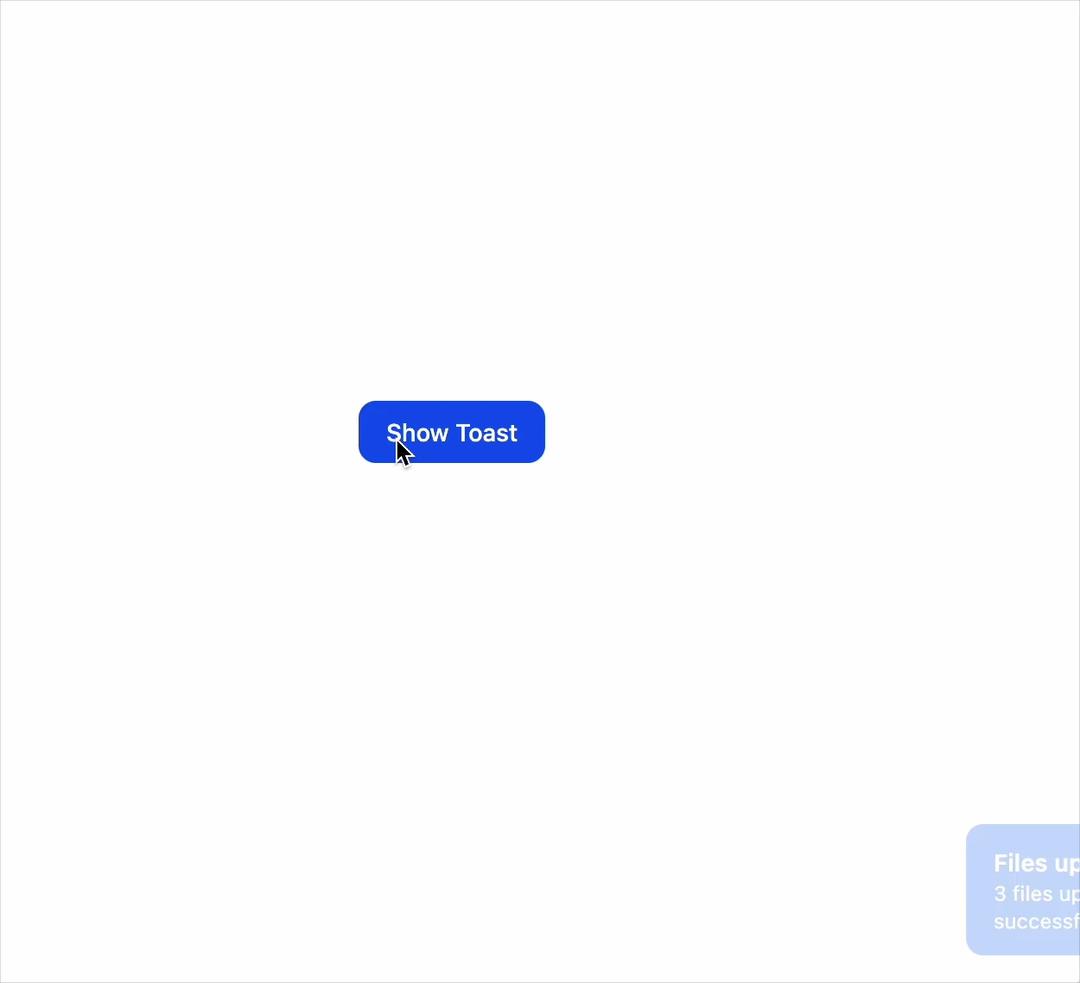
About
An accessible, auto-dismissing toast notification system with a title, optional description, and close button, queued globally and shown in the corner of the screen.
Built with React and Tailwind. Copy the prompt and paste it into Claude Code, Cursor or Lovable: your agent adds Toast Notification to your project and fits it to your theme.
Code
How Toast Notification is used: the demo's code. The component's own source comes with a free account.
Usage.tsx
"use client";
import ToastRegion, { queue } from "@/components/ui/tailwind-toast";

export default function ToastDemo() {
  return (
    <div className="flex w-full h-screen items-center justify-center bg-background">
      <ToastRegion />
      <button
        onClick={() =>
          queue.add({
            title: "Files uploaded",
            description: "3 files uploaded successfully.",
          })
        }
        className="inline-flex items-center justify-center rounded-lg bg-blue-600 px-4 py-2 text-sm font-medium text-white hover:bg-blue-700 focus-visible:outline-2 focus-visible:outline-blue-600 focus-visible:outline-offset-2"
      >
        Show Toast
      </button>
    </div>
  );
}
Dependencies
More by py_ets
View all
Alert Dialog
16
Progress Bar
12
Command Palette
10
React Aria CheckboxGroup
10
Segmented Control
8
React Aria DatePicker
8
React Aria GridList
7
React Aria Switch
7