
About
A navigation trail of links showing the current page's location within a site hierarchy, with a customizable separator between items.
Built with React and Tailwind. Copy the prompt and paste it into Claude Code, Cursor or Lovable: your agent adds Breadcrumb to your project and fits it to your theme.
Code
How Breadcrumb is used: the demo's code. The component's own source comes with a free account.
Usage.tsx
import Breadcrumb from "@/components/ui/breadcrumb";

function ChevronIcon() {
  return (
    <svg
      width="14"
      height="14"
      viewBox="0 0 24 24"
      fill="none"
      stroke="currentColor"
      strokeWidth={2}
    >
      <polyline points="9 18 15 12 9 6" />
    </svg>
  );
}

export default function BreadcrumbChevronDemo() {
  return (
    <div className="flex min-h-[200px] w-full items-center justify-center bg-background p-8">
      <Breadcrumb
        separator={<ChevronIcon />}
        items={[
          { label: "Projects", href: "#" },
          { label: "Structural Primitives", href: "#" },
          { label: "Breadcrumb", current: true },
        ]}
      />
    </div>
  );
}
More by alwkala
View all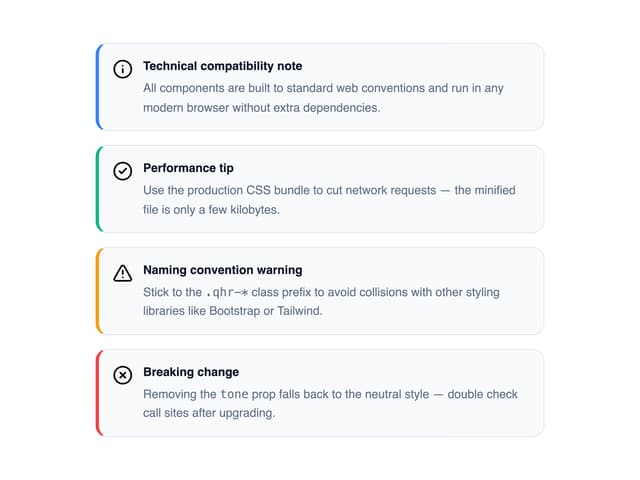

Callout
10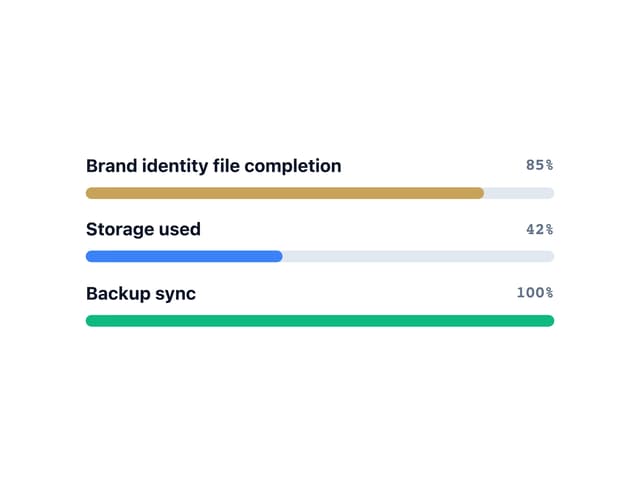
Progress Bar
3
Navbar
1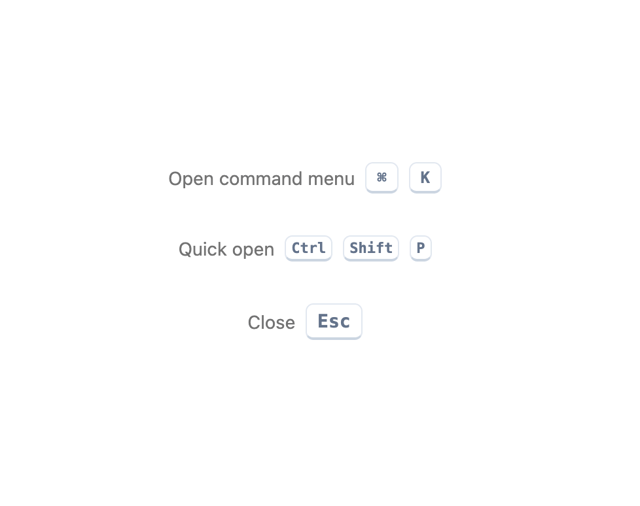
Kbd
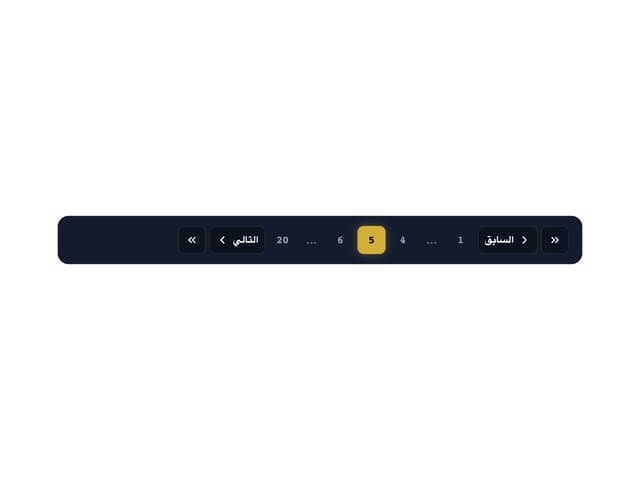
Pagination
Back To Top

Checkbox

Seal
More in Navigation
View all

Footer with Big Wordmark
100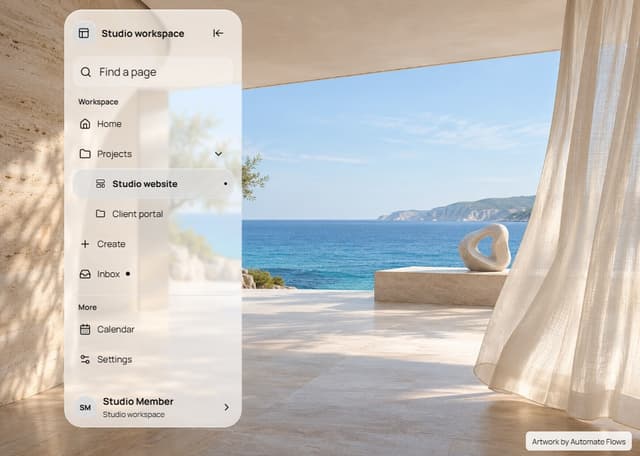

Liquid Glass Expandable Sidebar
295

Sidebar
422
Pagination with Ellipsis
25

Pagination
3

Tabs
33
Menu
23

Breadrcrumb
6
