About
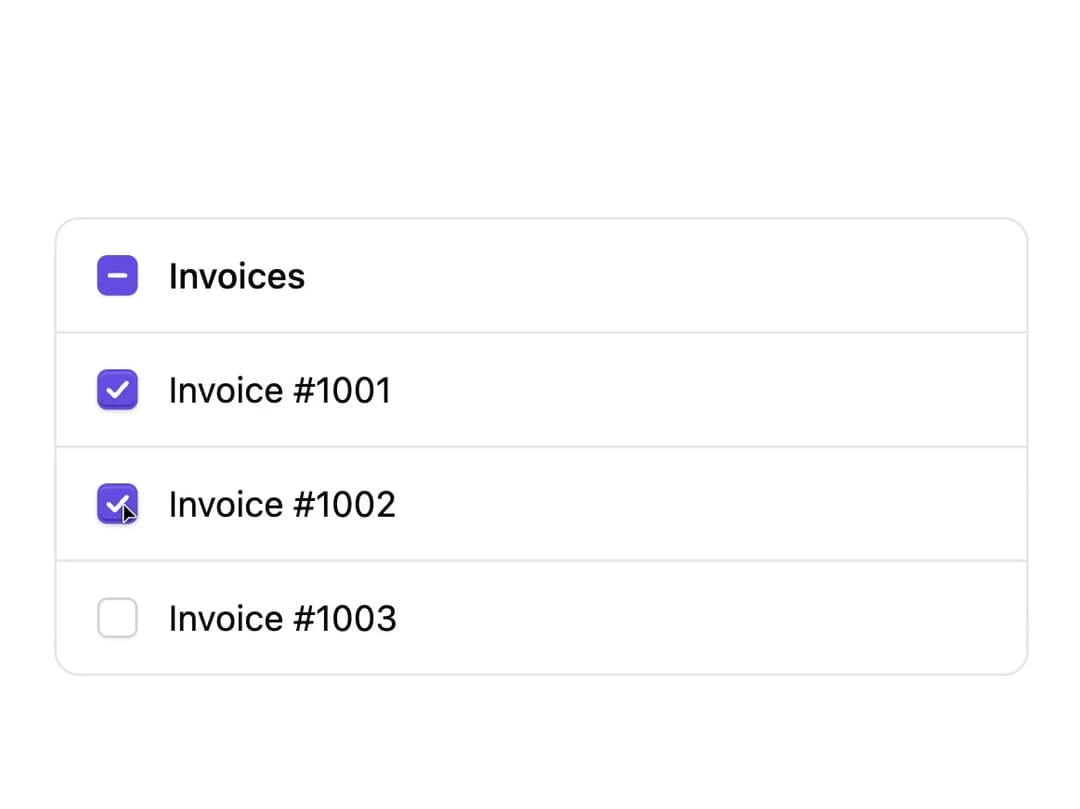
A select checkbox for a data table row or header, supporting an indeterminate state for a "select all" header checkbox.
Built with React and Tailwind. Copy the prompt and paste it into Claude Code, Cursor or Lovable: your agent adds Row Selection to your project and fits it to your theme.
Code
How Row Selection is used: the demo's code. The component's own source comes with a free account.
Usage.tsx
import * as React from "react";
import { RowSelection } from "@/components/ui/row-selection";

export default function RowSelectionDemo() {
  const rows = [
    { id: "1", name: "Invoice #1001" },
    { id: "2", name: "Invoice #1002" },
    { id: "3", name: "Invoice #1003" },
  ];
  const [selected, setSelected] = React.useState<Set<string>>(new Set(["1"]));

  const toggle = (id: string, on: boolean) => {
    setSelected((prev) => {
      const next = new Set(prev);
      if (on) next.add(id);
      else next.delete(id);
      return next;
    });
  };

  const toggleAll = (on: boolean) => {
    setSelected(on ? new Set(rows.map((r) => r.id)) : new Set());
  };

  const allSelected = selected.size === rows.length;
  const someSelected = selected.size > 0 && !allSelected;

  return (
    <div className="w-full max-w-sm rounded-lg border border-border bg-background text-foreground">
      <div className="flex items-center gap-3 border-b border-border px-4 py-3">
        <RowSelection
          checked={allSelected}
          indeterminate={someSelected}
          onCheckedChange={toggleAll}
          aria-label="Select all rows"
        />
        <span className="text-sm font-medium">Invoices</span>
      </div>
      <ul>
        {rows.map((row) => (
          <li
            key={row.id}
            className="flex items-center gap-3 border-b border-border px-4 py-3 last:border-b-0"
          >
            <RowSelection
              checked={selected.has(row.id)}
              onCheckedChange={(on) => toggle(row.id, on)}
              aria-label={`Select ${row.name}`}
            />
            <span className="text-sm">{row.name}</span>
          </li>
        ))}
      </ul>
    </div>
  );
}
More by amankaushik481
View all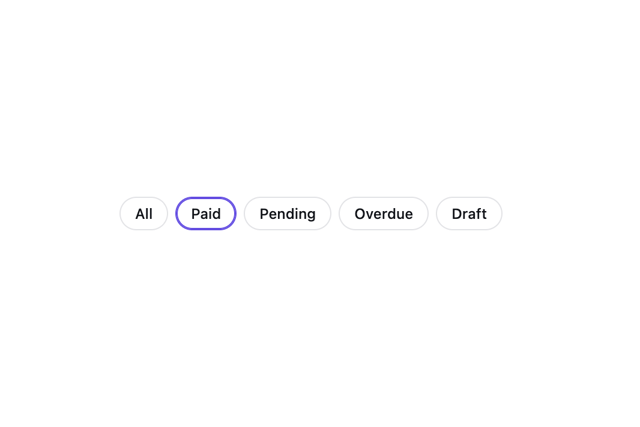

Chip Filter
7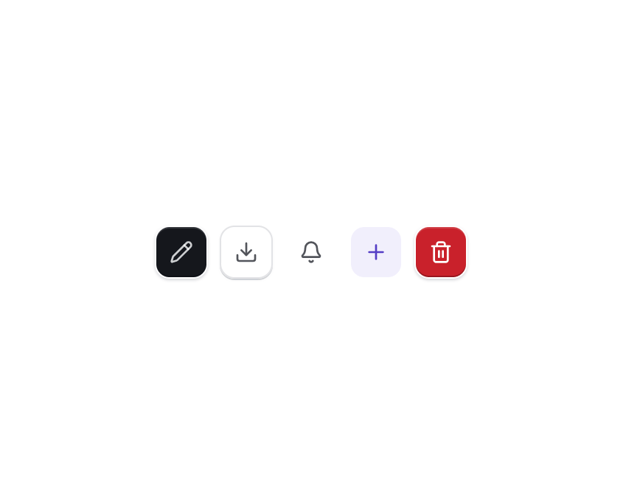
Icon Button
5
Background Boxes
4
Emoji Picker
4
Morphing Text
2
Typing Text
1
Treemap Chart
1
Particles
1