
About
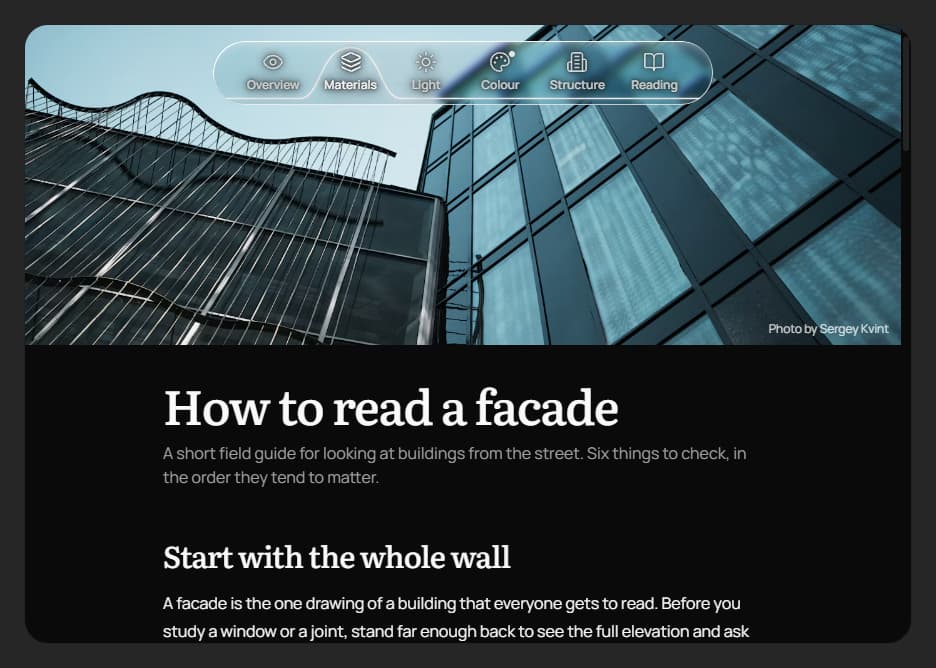
A liquid glass section bar for long pages. One line runs along the glass and rises into a rounded dome around the current icon and label, following scroll. Includes a scroll-spy hook. Tune frost, tint, refraction and contour height.
Built with React and Tailwind. Copy the prompt and paste it into Claude Code, Cursor or Lovable: your agent adds Liquid Glass Contour Navigation to your project and fits it to your theme.
Code
How Liquid Glass Contour Navigation is used: the demo's code. The component's own source comes with a free account.
Usage.tsx
"use client";

import { useRef, type MouseEvent, type ReactNode } from "react";
import { BookOpen, Building2, Eye, Layers, Palette, Sun } from "lucide-react";
import "@fontsource-variable/literata";
import "@fontsource-variable/manrope";
import LiquidGlassContourNavigation, {
  useSectionSpy, type ContourItem,
} from "@/components/ui/liquid-glass-contour-navigation";

const settings = {
  frost: 4,
  tint: 0.14,
  refraction: 16,
  edgeLight: 1,
  contourHeight: 0.8,
  stretch: 0.5,
};

// Demo content only. Photos are from Unsplash; each caption names its photographer.
const photo = (id: string, width: number) =>
  `https://images.unsplash.com/photo-${id}?auto=format&fit=crop&w=${width}&q=70`;

type Section = { id: string; label: string; heading: string; body: string[]; figure?: { id: string; alt: string; credit: string } };

const sections: Section[] = [
  {
    id: "overview", label: "Overview", heading: "Start with the whole wall",
    body: [
      "A facade is the one drawing of a building that everyone gets to read. Before you study a window or a joint, stand far enough back to see the full elevation and ask what it is trying to say first.",
      "Most answer with a single idea: a grid, a stripe, a fold, a field of colour. The rest of this guide is a way of checking how well each part supports that idea.",
    ],
  },
  {
    id: "materials", label: "Materials", heading: "What it is made of",
    body: [
      "Material sets the scale of everything else. Brick gives you a module the width of a hand. Profiled metal gives you a line every few centimetres and a sheet as tall as the storey.",
      "Look at where one material stops and the next begins. A confident building makes that edge deliberate, with a shadow gap or a change of plane, and never lets two finishes meet by accident.",
    ],
    figure: { id: "1594548044919-75fd146b8c60", alt: "Blue shuttered windows set in a ribbed white wall", credit: "Victor" },
  },
  {
    id: "light", label: "Light", heading: "How it behaves at noon and at five",
    body: [
      "Depth is cheap to draw and expensive to build, so real depth is worth noticing. A reveal of twenty centimetres turns every window into a small room of shade by early afternoon.",
      "Visit twice if you can. Ribbed and folded surfaces that look flat under cloud become a strict pattern of light and dark in low sun, and that second reading is usually the one the architect designed for.",
    ],
    figure: { id: "1624012040556-c47bc555c39e", alt: "Folded metal facade corner against a violet sky", credit: "Meritt Thomas" },
  },
  {
    id: "colour", label: "Colour", heading: "Where colour is doing work",
    body: [
      "Applied colour is at its best when it explains the building. One painted volume can tell you which part is the stair, which is the entrance, or which was added later.",
      "Be suspicious of colour that changes on every panel. Two tones used with a rule will outlast six used for variety.",
    ],
    figure: { id: "1576165767735-aaf2b2bbe6f1", alt: "Pink and green houses sharing one wall", credit: "Marcus Lenk" },
  },
  {
    id: "structure", label: "Structure", heading: "What is holding it up",
    body: [
      "Find the line where loads come down. Sometimes the facade carries them and the openings line up floor over floor. Sometimes it hangs from the slab edge and is free to do as it likes.",
      "Neither is better. What matters is that the elevation is honest about which one you are looking at.",
    ],
  },
  {
    id: "reading", label: "Reading", heading: "Three places to look next",
    body: [
      "Walk a street you know and sort its buildings by first idea alone. Then pick one and draw only its shadows at a single hour. Then find its oldest neighbour and compare where each puts its money: at the door, at the corner, or at the roofline.",
    ],
  },
];

const icons: Record<string, ReactNode> = {
  overview: <Eye />, materials: <Layers />, light: <Sun />, colour: <Palette />, structure: <Building2 />, reading: <BookOpen />,
};
const items: ContourItem[] = sections.map(section => ({
  id: section.id, label: section.label, href: `#${section.id}`, icon: icons[section.id],
  ...(section.id === "colour" ? { badge: "updated this week" } : {}),
}));
const ids = sections.map(section => section.id);

const demoStyles = `
.guide { font-family: "Manrope Variable", Manrope, system-ui, sans-serif; }
.guide :is(h1, h2) { font-family: "Literata Variable", Literata, Georgia, serif; text-wrap: balance; }
.guide ::selection { background: var(--color-primary); color: var(--color-primary-foreground); }
.guide-scroll { scrollbar-width: thin; scrollbar-color: var(--color-border) transparent; }
`;

export default function LiquidGlassContourNavigationDemo(props: Partial<typeof settings> = {}) {
  const s = { ...settings, ...props };
  const scroller = useRef<HTMLDivElement>(null);
  const [activeId, goTo] = useSectionSpy(ids, { root: scroller, offset: 120 });

  const onNavigate = (item: ContourItem, event: MouseEvent<HTMLAnchorElement>) => {
    event.preventDefault();
    goTo(item.id);
  };

  return (
    <main className="guide grid h-svh min-h-[540px] w-full place-items-center bg-muted text-foreground sm:p-6">
      <style>{demoStyles}</style>
      {/* The reading window keeps one composition at any preview size. */}
      <div className="relative isolate h-full max-h-[720px] w-full max-w-[1000px] overflow-hidden bg-background sm:rounded-3xl sm:border sm:border-border">
        <div ref={scroller} className="guide-scroll h-full overflow-y-auto">
          {/* Zero-height sticky slot: the bar floats over the page without taking a row. */}
          <div className="sticky top-3 z-10 h-0 px-3 sm:top-4">
            <LiquidGlassContourNavigation
              items={items}
              activeId={activeId}
              onNavigate={onNavigate}
              label="Guide sections"
              contourHeight={s.contourHeight * 1.25}
              effects={{ stretch: s.stretch }}
              glass={{ blur: s.frost, opacity: s.tint, edge: s.edgeLight, distortion: s.refraction }}
            />
          </div>

          <figure className="relative">
            <img className="h-64 w-full bg-muted object-cover sm:h-80"
              src={photo("1665659611374-8e69a757ebf8", 1400)} alt="Looking up a dark tower into a pale sky" />
            <figcaption className="absolute bottom-2 right-3 text-xs text-white/80">Photo by Sergey Kvint</figcaption>
          </figure>

          <article className="mx-auto w-full max-w-[640px] px-5 pb-28 pt-9">
            <h1 className="text-4xl font-medium tracking-tight sm:text-5xl">How to read a facade</h1>
            <p className="mt-3 text-base text-muted-foreground">
              A short field guide for looking at buildings from the street. Six things to check, in the order they tend to matter.
            </p>

            {sections.map(section => (
              <section key={section.id} id={section.id} aria-labelledby={`${section.id}-heading`} className="scroll-mt-24 pt-12">
                <h2 id={`${section.id}-heading`} className="text-2xl font-medium tracking-tight sm:text-3xl">{section.heading}</h2>
                {section.body.map(paragraph => (
                  <p key={paragraph.slice(0, 24)} className="mt-4 text-base leading-7">{paragraph}</p>
                ))}
                {section.figure && (
                  <figure className="mt-6">
                    <img className="aspect-[16/9] w-full rounded-2xl bg-muted object-cover"
                      src={photo(section.figure.id, 1000)} alt={section.figure.alt} loading="lazy" />
                    <figcaption className="mt-2 text-xs text-muted-foreground">Photo by {section.figure.credit}</figcaption>
                  </figure>
                )}
              </section>
            ))}
          </article>
        </div>
      </div>
    </main>
  );
}
Dependencies
More by Automate Flows w/ Troy
View all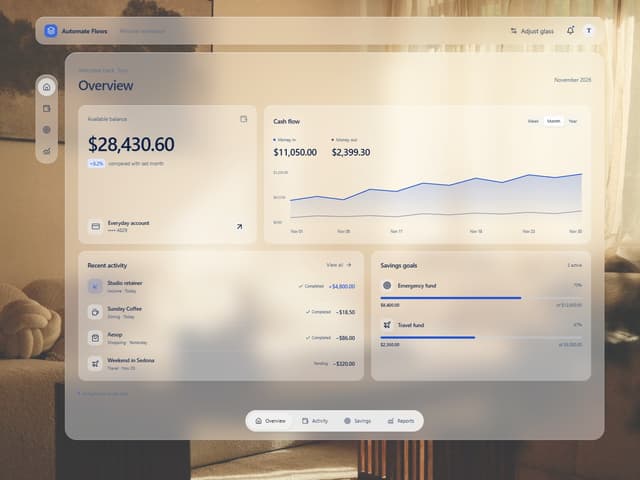

Adjustable Glass Dashboard
1.2K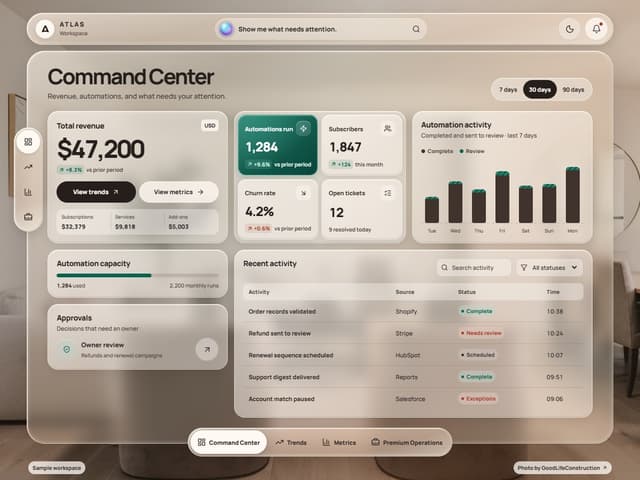
Glass Dashboard
1.1K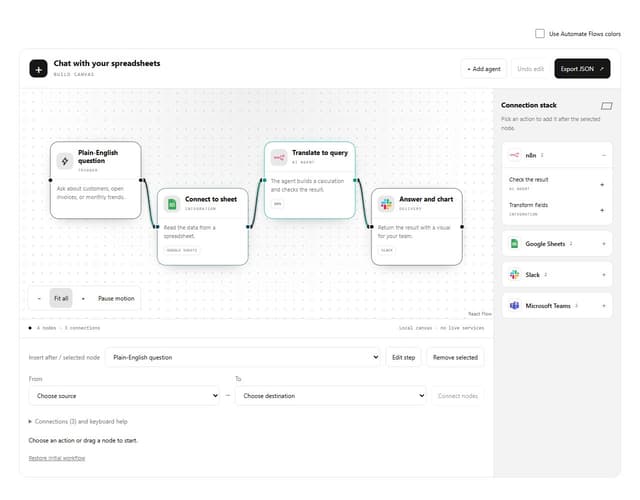
Interactive Workflow Blueprint
599
Glassy Coverflow Carousel
415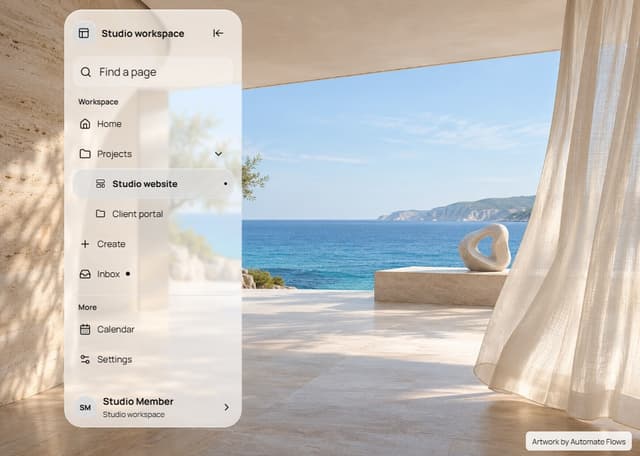
Liquid Glass Expandable Sidebar
302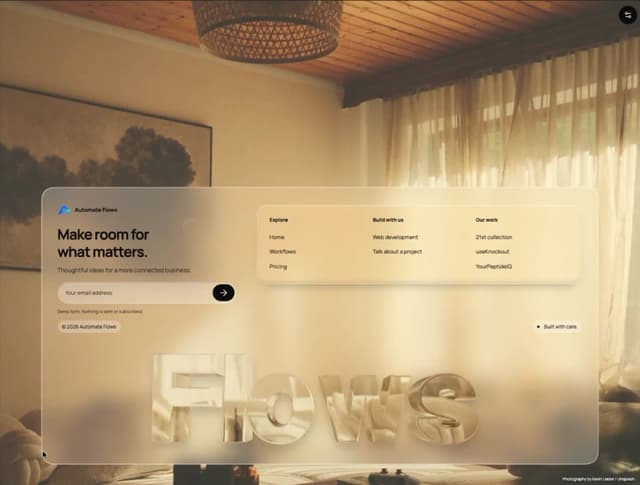
Liquid Glass Footer
237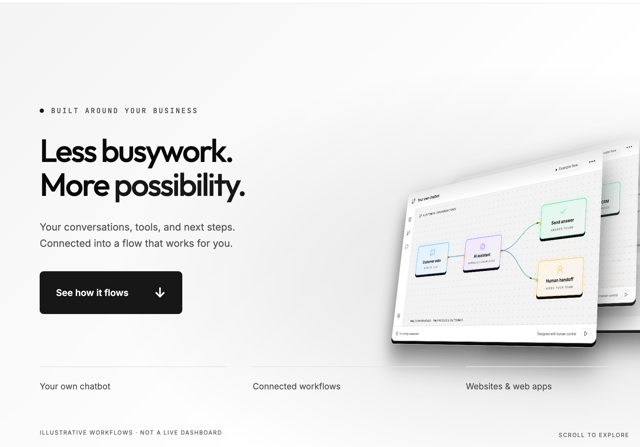
Dimensional Workflow Hero
172
KNOCKOUT Landing Page
154
More in Navigation
View all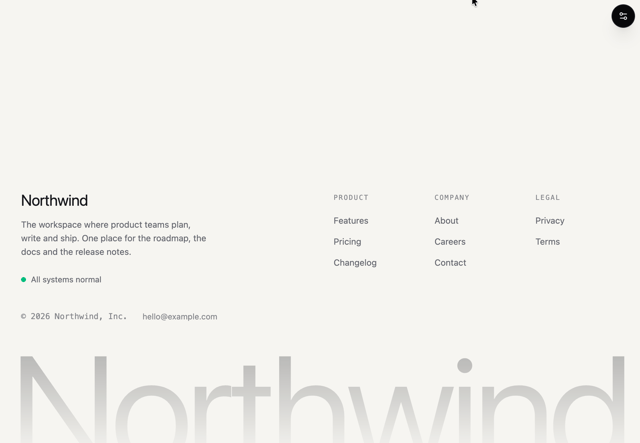

Footer with Big Wordmark
100

Sidebar
422
Pagination with Ellipsis
25

Pagination
3

Tabs
33
Menu
23

Breadrcrumb
6

NavBar
2
