
About
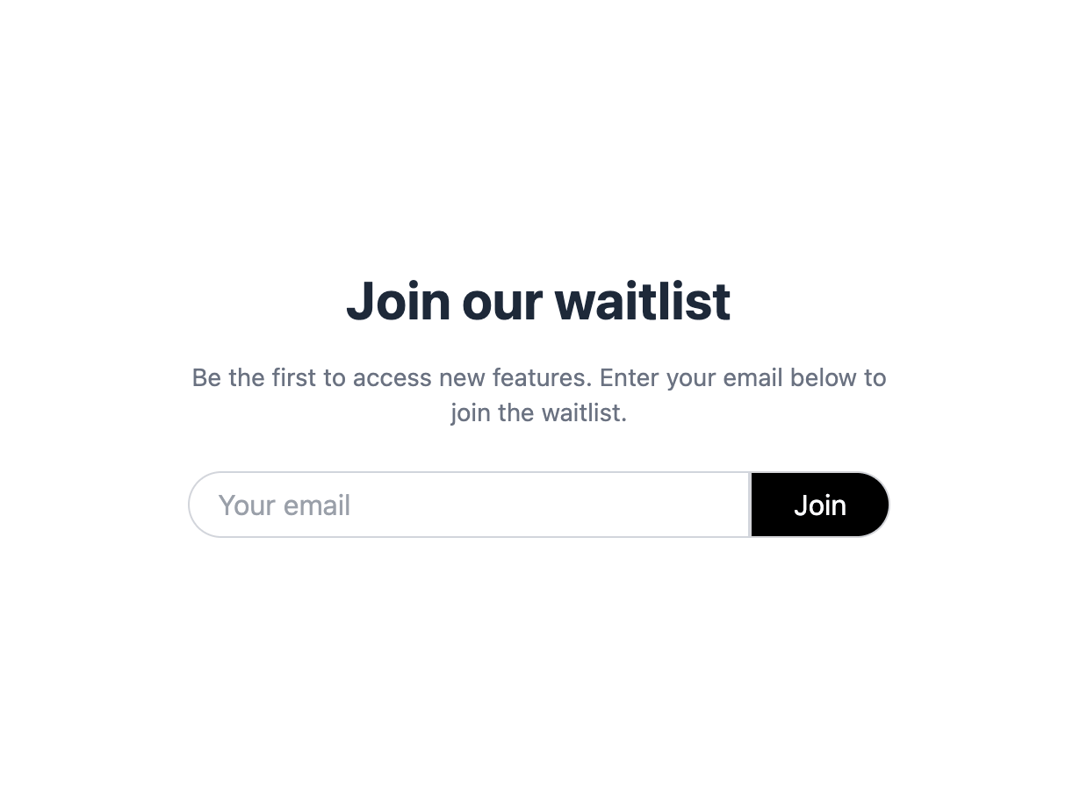
Here is waitlist ui component
Built with React and Tailwind. Copy the prompt and paste it into Claude Code, Cursor or Lovable: your agent adds Waitlist to your project and fits it to your theme.
Code
How Waitlist is used: the demo's code. The component's own source comes with a free account.
Usage.tsx
// This is a demo of a preview
'use client'
import { Component } from "@/components/ui/waitlist";

const DemoOne = () => {
  return (
    <div className="flex w-full h-screen justify-center items-center">
      <Component mode="light" />
    </div>
  );
};

export default DemoOne;
Dependencies
More by Ayushmaan Singh
View all

Tubelight Navbar
3.8K
Theme Toggle
2.6K
Feature Section
1.8K
Vintage Keyboard
586
Thumbnail Carousel
449
Image Fan Carousel
348
Typewriter Testimonial
318
Testimonials
267
More in Buttons
View all
Button
20

Button
3

Button Group
18

Button
149

Icon Label Subtext Button
69

Button
9

Button
37
Texture Button
113

