
About
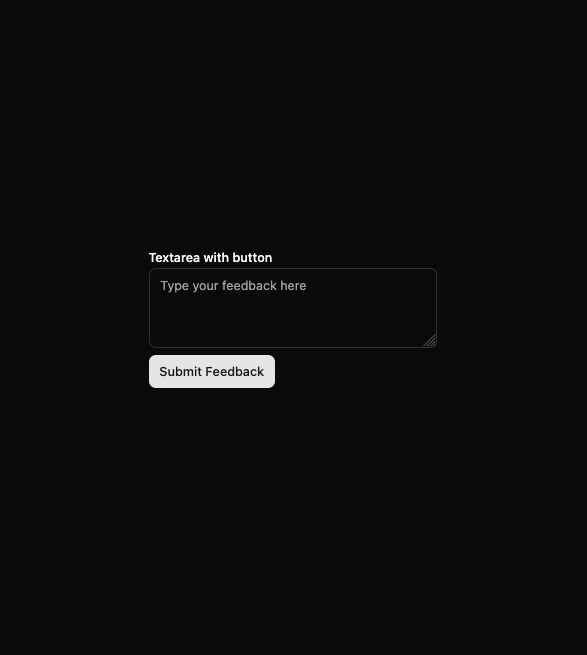
Here is Textarea component
Built with React and Tailwind. Copy the prompt and paste it into Claude Code, Cursor or Lovable: your agent adds Text Area to your project and fits it to your theme.
Code
How Text Area is used: the demo's code. The component's own source comes with a free account.
Usage.tsx
import { useId } from 'react'

import { Button } from '@/components/ui/button'
import { Label } from '@/components/ui/label'
import { Textarea } from '@/components/ui/textarea'

const TextareaWithButtonDemo = () => {
  const id = useId()

  return (
    <div className='w-full max-w-xs space-y-2'>
      <Label htmlFor={id}>Textarea with button</Label>
      <Textarea id={id} placeholder='Type your feedback here' />
      <Button size='sm'>Submit Feedback</Button>
    </div>
  )
}

export default TextareaWithButtonDemo
More by Clevision
View all

Syntra Hero
472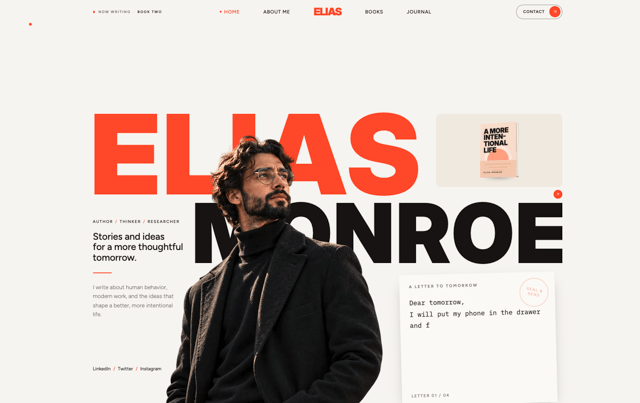
Portfolio Hero
463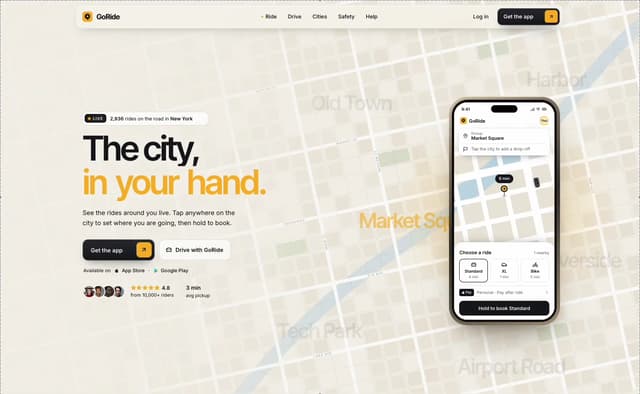
Hero Section
197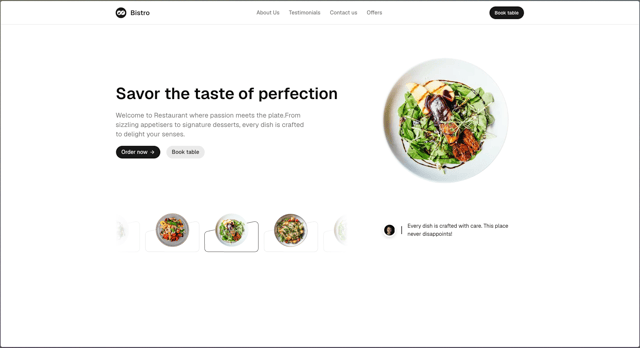
Hero Section 41
155
Calendar
115
Card Studio
110
Agency Hero
97
Saas Hero Section
93
More in Buttons
View all
Button
20

Button
3
Button Group
18

Button
149

Icon Label Subtext Button
69

Button
9

Button
37
Texture Button
113

