
About
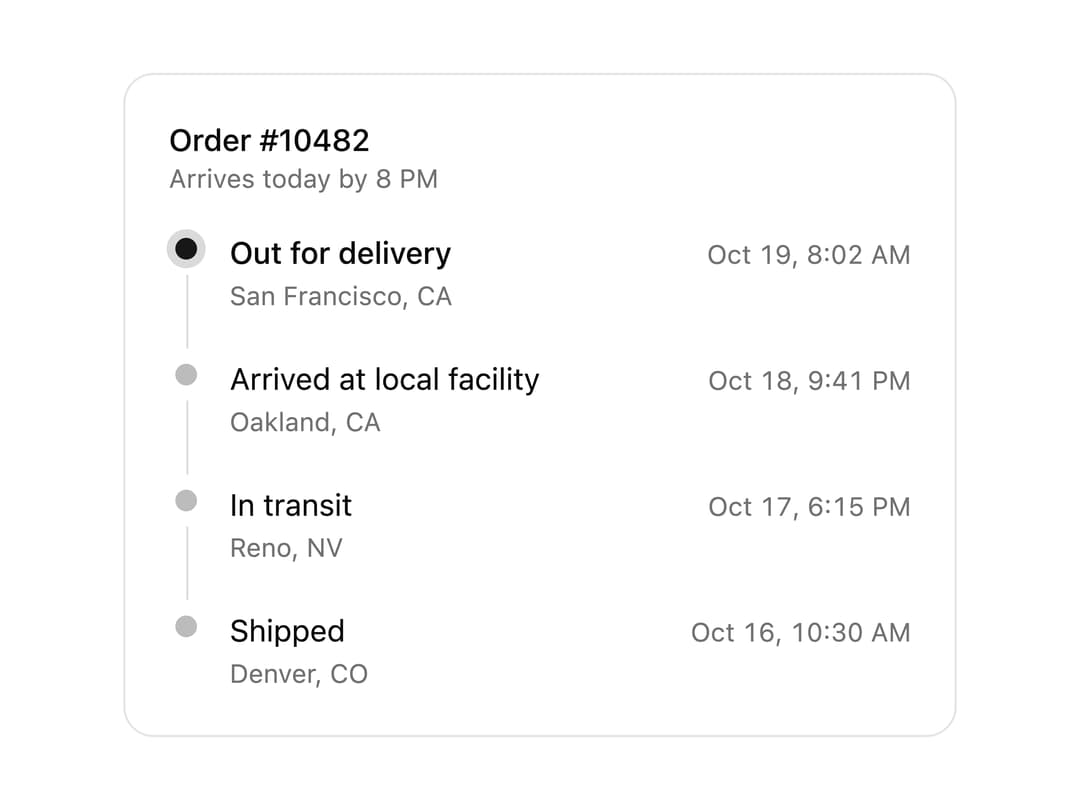
A compound component for rendering a vertical activity timeline with connected dots, icons or avatars, titles, descriptions and timestamps.
Built with React and Tailwind. Copy the prompt and paste it into Claude Code, Cursor or Lovable: your agent adds Timeline to your project and fits it to your theme.
Code
How Timeline is used: the demo's code. The component's own source comes with a free account.
Usage.tsx
import {
  Timeline,
  TimelineContent,
  TimelineDescription,
  TimelineIndicator,
  TimelineItem,
  TimelineTime,
  TimelineTitle,
} from "@/components/ui/timeline";

const STEPS = [
  {
    place: "San Francisco, CA",
    time: "Oct 19, 8:02 AM",
    title: "Out for delivery",
  },
  {
    place: "Oakland, CA",
    time: "Oct 18, 9:41 PM",
    title: "Arrived at local facility",
  },
  { place: "Reno, NV", time: "Oct 17, 6:15 PM", title: "In transit" },
  { place: "Denver, CO", time: "Oct 16, 10:30 AM", title: "Shipped" },
];

export default function TimelineDemo() {
  return (
    <div className="w-full max-w-sm rounded-xl border p-5">
      <div className="mb-4">
        <p className="font-medium text-sm">Order #10482</p>
        <p className="text-muted-foreground text-xs">Arrives today by 8 PM</p>
      </div>
      <Timeline className="[--timeline-indicator:--spacing(4)]">
        {STEPS.map((step, i) => (
          <TimelineItem className="pb-5" key={step.title}>
            <TimelineIndicator
              className={
                i === 0
                  ? "before:bg-primary before:ring-4 before:ring-primary/16"
                  : undefined
              }
            />
            <TimelineContent className="gap-0.5">
              <div className="flex items-baseline justify-between gap-3">
                <TimelineTitle className={i === 0 ? "font-medium" : undefined}>
                  {step.title}
                </TimelineTitle>
                <TimelineTime className="shrink-0">{step.time}</TimelineTime>
              </div>
              <TimelineDescription className="text-xs">
                {step.place}
              </TimelineDescription>
            </TimelineContent>
          </TimelineItem>
        ))}
      </Timeline>
    </div>
  );
}
More by Cnippet
View all

Team
1.4K
Davincho Hero-1
716
Aero Hero-3
633
Random Letter Swap Navigation
586
Features
539
Services with Animated Hover Modal
492
Blogs
406
Aero Hero-1
387