
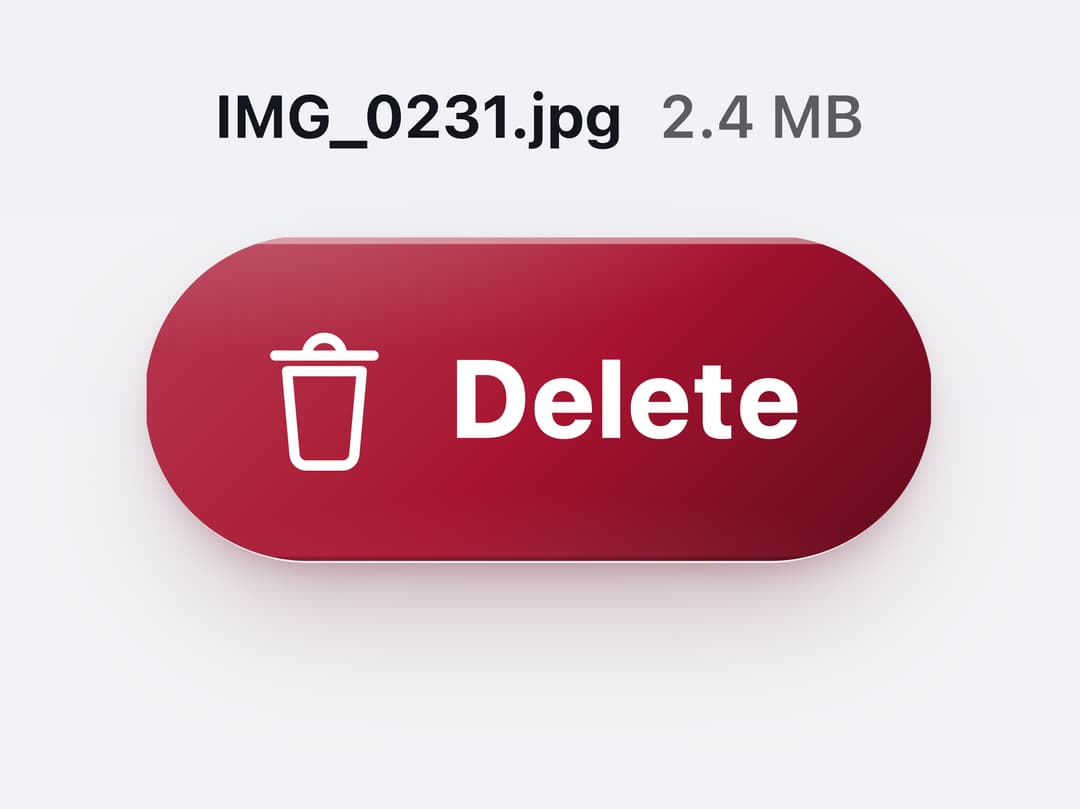
About
Delete button whose bin eats its own label letter by letter, then seals a ring and offers Undo. 3 more skins, a server-refusal state and an HTML/CSS/JS build in the full version: codeandchill.store/components/gulp?utm_source=21st
Built with React and Tailwind. Copy the prompt and paste it into Claude Code, Cursor or Lovable: your agent adds Gulp Delete Button to your project and fits it to your theme.
Code
How Gulp Delete Button is used: the demo's code. The component's own source comes with a free account.
Usage.tsx
import { useEffect, useState } from "react";
import GulpDeleteButton from "@/components/ui/gulp-delete-button";

const settings = {
  label: "Delete",
  fileName: "IMG_0231.jpg",
  fileSize: "2.4 MB",
  accent: "#a81330",
};

export default function Demo(props: Partial<typeof settings> = {}) {
  const s = { ...settings, ...props };
  /* Gulp's own look is porcelain paper; follow the page's dark class only when it changes. */
  const [theme, setTheme] = useState<"light" | "dark">("light");

  useEffect(() => {
    const html = document.documentElement;
    let last = html.classList.contains("dark");
    const mo = new MutationObserver(() => {
      const now = html.classList.contains("dark");
      if (now !== last) {
        last = now;
        setTheme(now ? "dark" : "light");
      }
    });
    mo.observe(html, { attributes: true, attributeFilter: ["class"] });
    return () => mo.disconnect();
  }, []);

  const dark = theme === "dark";

  return (
    <div
      className="relative flex min-h-[100dvh] w-full items-center justify-center overflow-hidden px-4 py-12"
      style={{
        background: dark
          ? "radial-gradient(62% 44% at 50% 0%, rgba(201,46,70,.16), transparent 70%), radial-gradient(72% 48% at 50% 106%, rgba(64,85,200,.12), transparent 68%), linear-gradient(180deg, #1a1c24, #111319 55%)"
          : "radial-gradient(62% 44% at 50% 0%, rgba(168,19,48,.09), transparent 70%), radial-gradient(72% 48% at 50% 106%, rgba(43,55,160,.08), transparent 68%), linear-gradient(180deg, #e7e9ef, #f3f4f7 55%)",
        transition: "background 1s ease",
      }}
    >
      <GulpDeleteButton
        theme={theme}
        label={s.label}
        fileName={s.fileName}
        fileSize={s.fileSize}
        accent={s.accent}
      />
    </div>
  );
}
More by Code And Chill
View all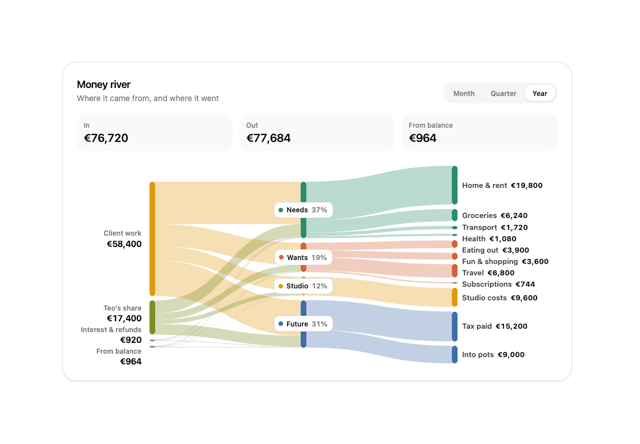

Money River
6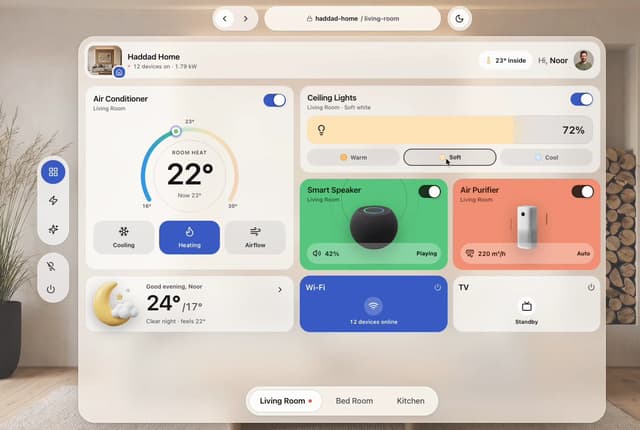
Glass Smart Home Dashboard
5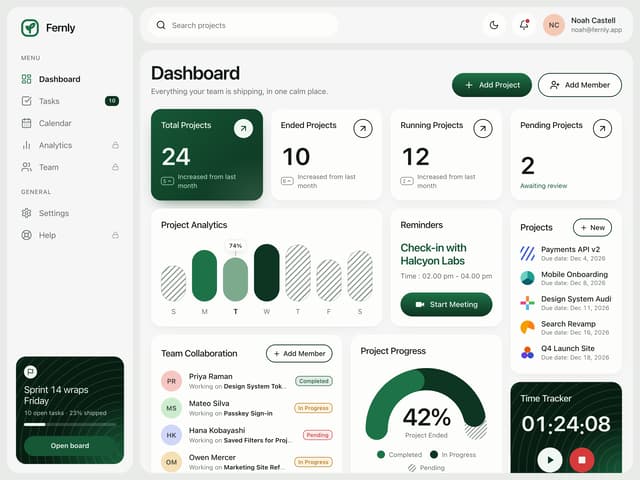
Fernly Project Dashboard
1
Tide Download Button
Sigil OTP Field
Parachute Download Button
Corbel Sales Dashboard
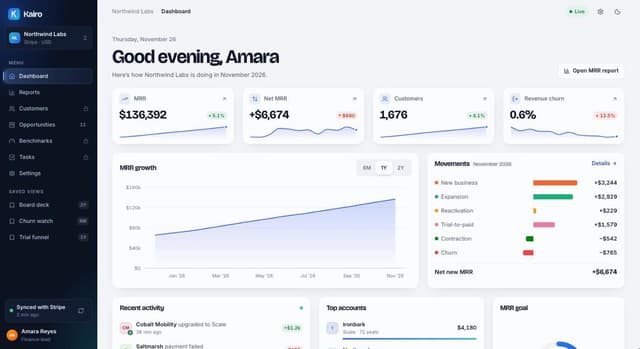
Kairo Revenue Analytics
More in Buttons
View all
Button
20

Button
3

Button Group
18

Button
149

Icon Label Subtext Button
69

Button
9

Button
37
Texture Button
113

