
About
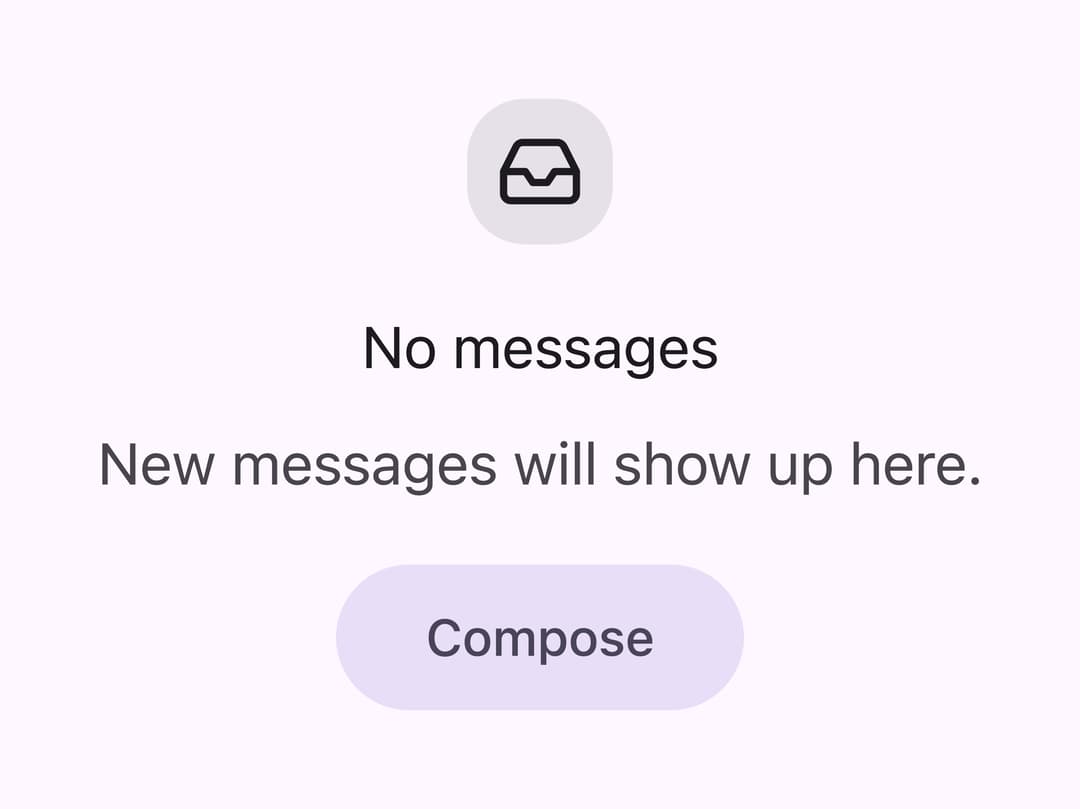
An empty state placeholder with an icon, title, description and a call-to-action button for lists or inboxes with no content.
Built with React and Tailwind. Copy the prompt and paste it into Claude Code, Cursor or Lovable: your agent adds Empty to your project and fits it to your theme.
Code
How Empty is used: the demo's code. The component's own source comes with a free account.
Usage.tsx
import { Inbox } from "lucide-react";

import { Button } from "@/components/ui/empty-utils/button";
import {
  Empty,
  EmptyContent,
  EmptyDescription,
  EmptyHeader,
  EmptyMedia,
  EmptyTitle,
} from "@/components/ui/empty";

export default function Demo() {
  return (
    <div className="flex w-full items-center justify-center p-8">
      <Empty>
        <EmptyHeader>
          <EmptyMedia variant="icon">
            <Inbox />
          </EmptyMedia>
          <EmptyTitle>No messages</EmptyTitle>
          <EmptyDescription>New messages will show up here.</EmptyDescription>
        </EmptyHeader>
        <EmptyContent>
          <Button variant="secondary">Compose</Button>
        </EmptyContent>
      </Empty>
    </div>
  );
}
Dependencies
More by crysta1221
View all
M3 Expressive Button
21
Attachment
21
Circular Progress
2
Input OTP
Field
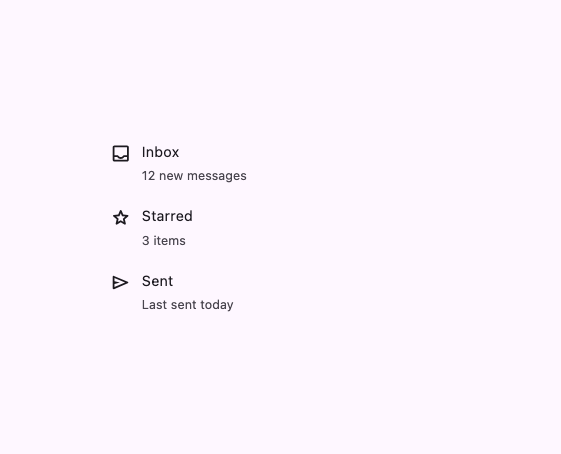
List Item

Combobox
More in CTAs
View all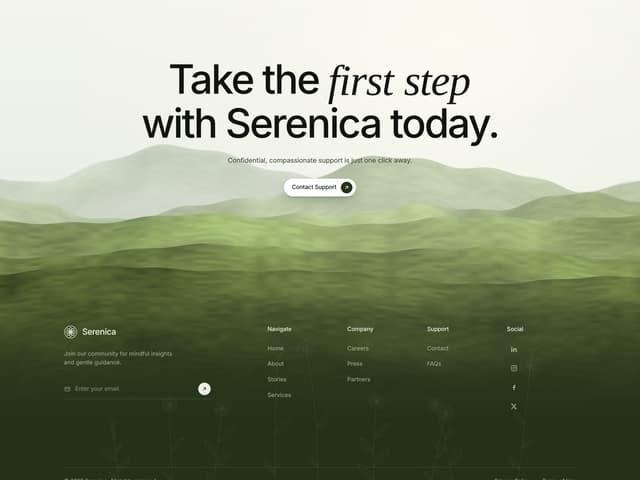

Hills Landscape Footer with Call to Action
324

Cta 4
310

Button
151
Call to action
186

Integrations Section
677

Responsive Hero Banner
2.2K

Hero
1.4K

Call to Action 01
64
