About
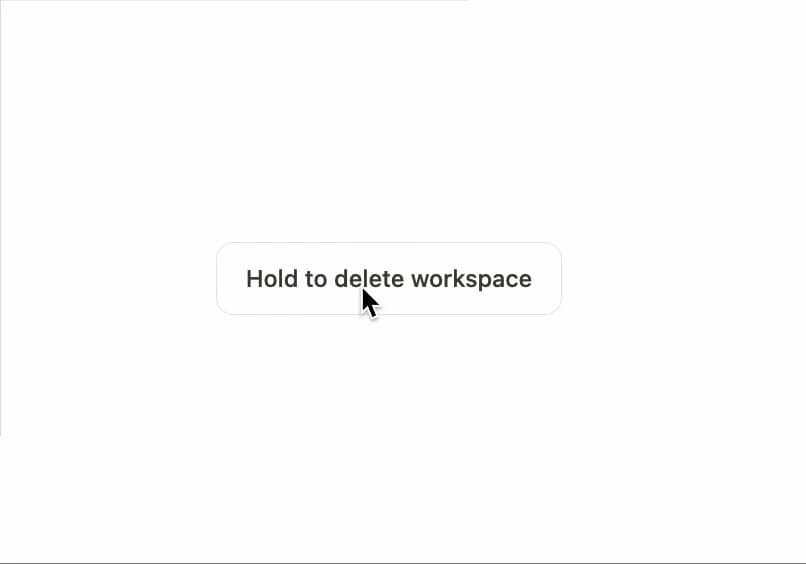
A press-and-hold button that sweeps a progress fill and only fires its confirm callback after the full hold completes, guarding destructive actions against accidental clicks.
Built with React and Tailwind. Copy the prompt and paste it into Claude Code, Cursor or Lovable: your agent adds Hold to Confirm to your project and fits it to your theme.
Code
How Hold to Confirm is used: the demo's code. The component's own source comes with a free account.
Usage.tsx
"use client";

import { HoldToConfirm } from "@/components/ui/hold-to-confirm";

export default function HoldToConfirmDemo() {
  return (
    <div className="flex min-h-[220px] items-center justify-center">
      <HoldToConfirm onConfirm={() => {}} confirmLabel="Workspace deleted">
        Hold to delete workspace
      </HoldToConfirm>
    </div>
  );
}
Dependencies
More by Özer
View all

Password Strength
1.4K
OTP Input
855
Loading Button
636
Progress Bar
602
Reorder List
339
Task Steps
301
Reading Progress
193
Text Reveal
169
More in Buttons
View all
Button
20

Button
3

Button Group
18

Button
149

Icon Label Subtext Button
69

Button
9

Button
37
Texture Button
113

