
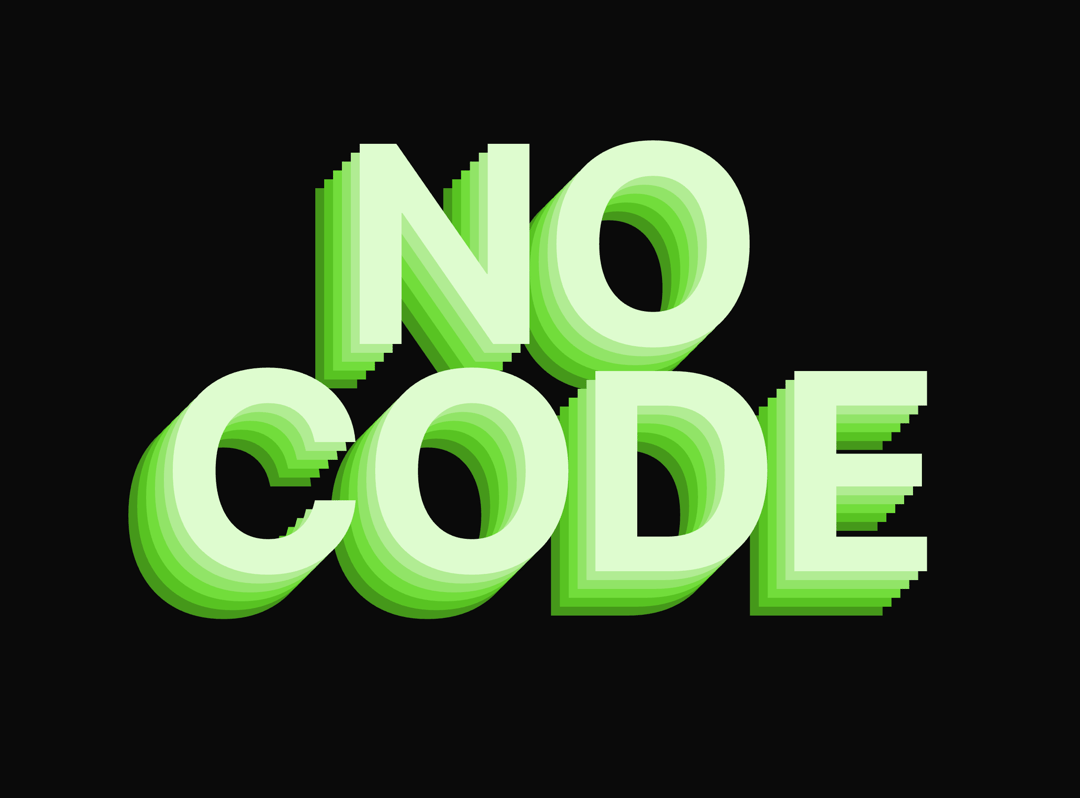
About
You can easily change the text, color hue, shadow intensity, or font size by modifying these prop values.
Built with React and Tailwind. Copy the prompt and paste it into Claude Code, Cursor or Lovable: your agent adds Mouse Quadrant Tracker to your project and fits it to your theme.
Code
How Mouse Quadrant Tracker is used: the demo's code. The component's own source comes with a free account.
Usage.tsx
import { MouseQuadrantTracker } from "@/components/ui/mouse-quadrant-tracker";

export default function DemoOne() {
  return <MouseQuadrantTracker className="text-center font-bold" text="No Code" hue={100}  fontSize="25vmax" />
}
More by Ali Imam
View all

Liquid Glass Button
7.2K
Shader Animation
3.9K
WebGL Shader
2.7K
Shiny Button
2.4K
Shader Lines
2.4K
GLSL Hills
2.2K
Canvas
1.8K
Gallery
1.6K
More in Text
View all

Vertical Cut Reveal Characters
134

Astryx Chat Tokenized Text
9
Text Reveal
31
Rainbow Text Effect
61

Scroll Fill Headline
44

Shine Border
1K

Split text
79
Motion Blur Text
47