
About
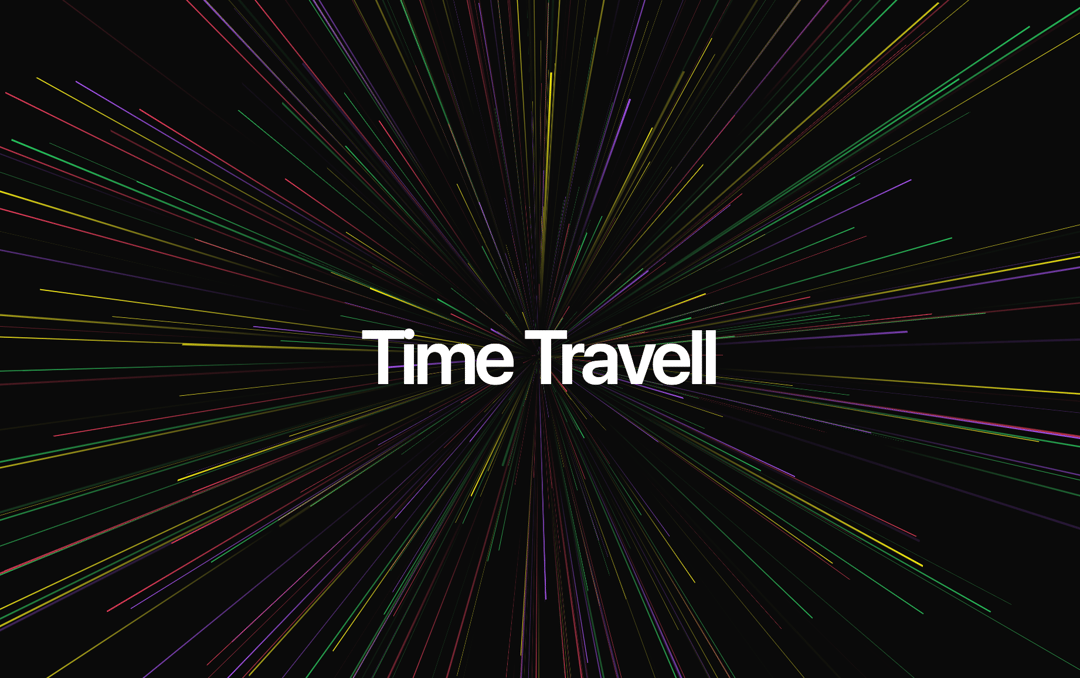
You can easily adjust the visual appearance by modifying the props, such as changing colors, particle count, or animation timing.
Built with React and Tailwind. Copy the prompt and paste it into Claude Code, Cursor or Lovable: your agent adds Particle Animation to your project and fits it to your theme.
Code
How Particle Animation is used: the demo's code. The component's own source comes with a free account.
Usage.tsx
import { ParticleAnimation } from "@/components/ui/particle-animation-1";

export default function DemoOne() {
   return (
    <div className="w-full h-screen flex items-center justify-center">
      <div className="w-full h-full overflow-hidden">
        <ParticleAnimation
          particleCount={500}
          colors={['#fff200', '#a855f7', '#f43f5e', '#22c55e']}
          animationDuration={[1, 5]}
          containerSize="100vmin"
        />
      </div>
        <span className="absolute pointer-events-none z-10 text-center text-7xl leading-none font-semibold tracking-tighter whitespace-pre-wrap text-white">
        Time Travell
      </span>
    </div>
  );
};More by Ali Imam
View all

Liquid Glass Button
7.2K
Shader Animation
3.9K
WebGL Shader
2.7K
Shiny Button
2.4K
Shader Lines
2.4K
GLSL Hills
2.2K
Canvas
1.8K
Gallery
1.6K
More in Heroes
View all
Agency Hero Section
1.1K

Responsive Hero Banner
2.2K

SaaS Template
2.7K
Centered Hero with Image Fan
1.1K

Hero
1.4K

Hero Section 01
56
Split Hero With Image Cards
467

Facts Hero
6
