
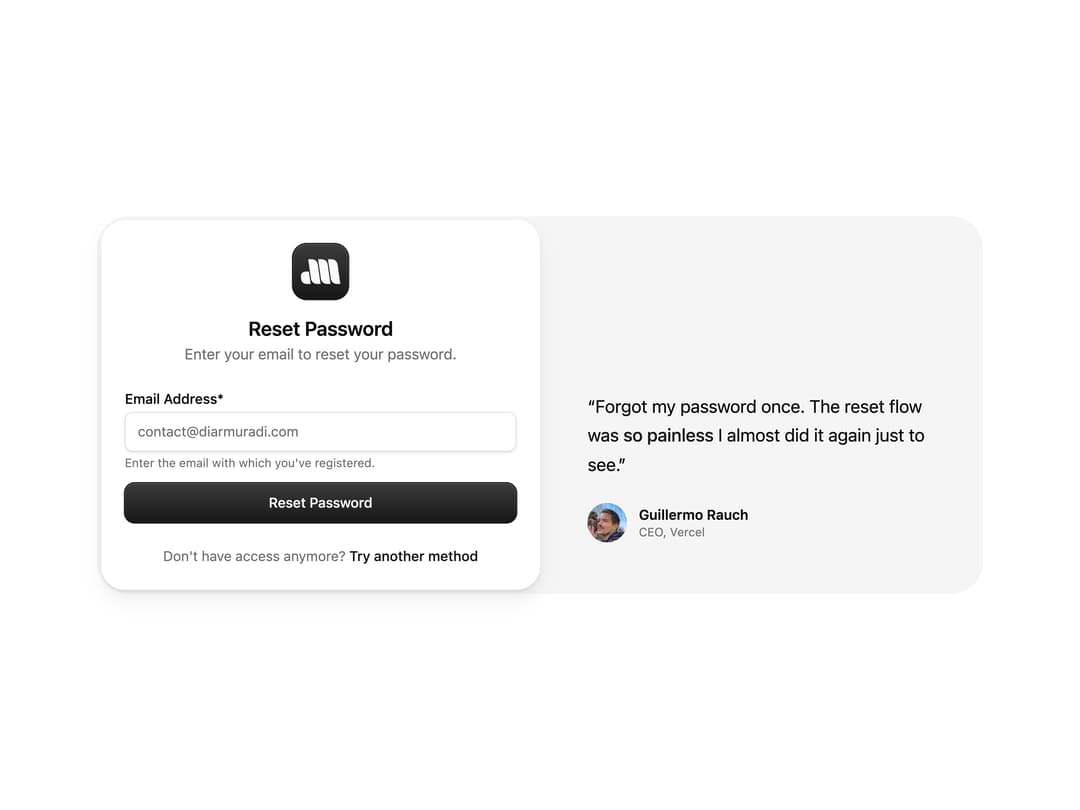
About
A split-screen reset-password form with an email field, submit button, and a customer testimonial panel for account-recovery pages.
Built with React and Tailwind. Copy the prompt and paste it into Claude Code, Cursor or Lovable: your agent adds Reset Password Form to your project and fits it to your theme.
Code
How Reset Password Form is used: the demo's code. The component's own source comes with a free account.
Usage.tsx
import ResetPassword from "@/components/ui/reset-password-1";

export default function ResetPasswordDemo() {
  return (
    <div className="flex min-h-screen w-full items-center justify-center bg-background p-6">
      <ResetPassword />
    </div>
  );
}
More by Diar Muradi
View all

Toggleable Add-on Pricing
212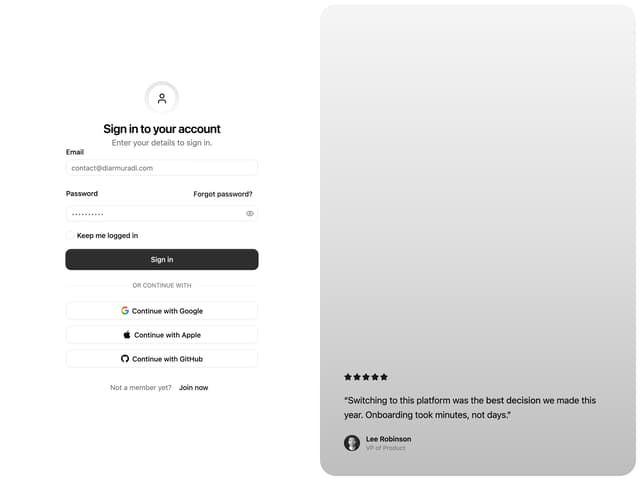
Split Sign In Form
128
Toggle Pricing Cards
103
ROI Pricing Calculator
70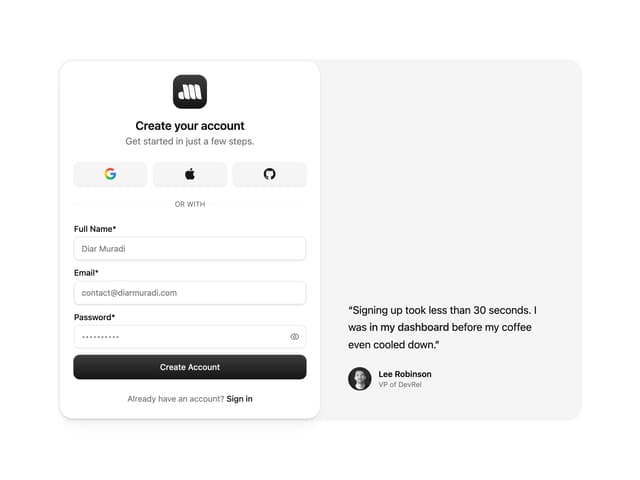
Sign Up Split Panel
59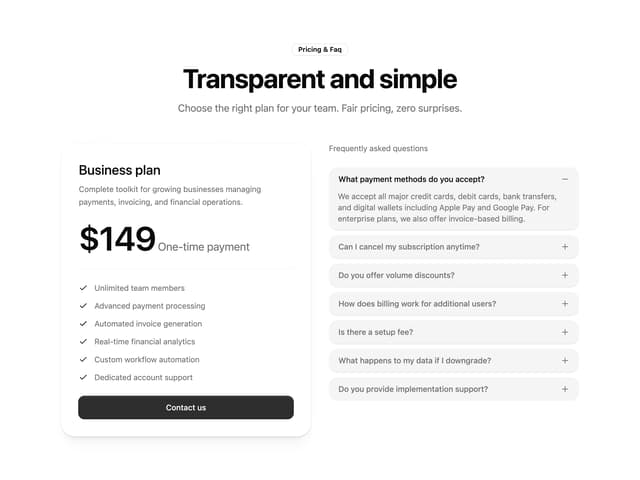
Pricing With FAQ
58
Logo Orbit
51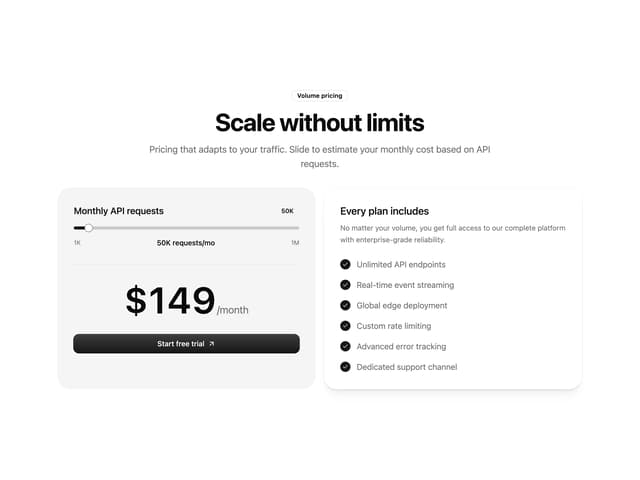
Volume Pricing Card
41
More in Testimonials
View all

Testimonial
71
testimonial
923
Testimonial 2
48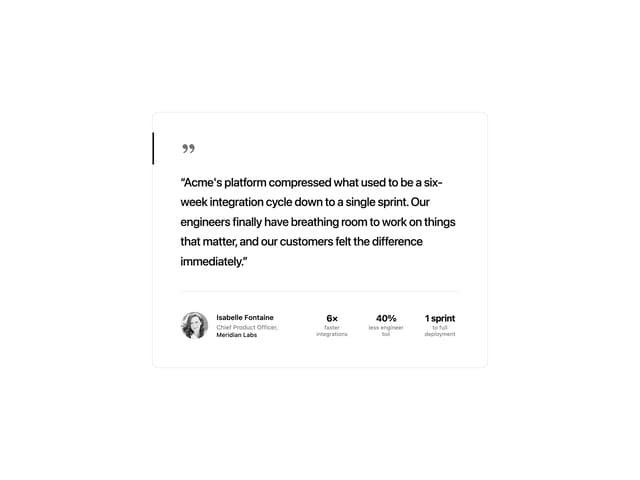

Single Voice Spotlight Testimonial
24

Testimonials Section
258

Testimonials
267
Voice Testimonial
145
Testimonials Section
193

