About
Built with React and Tailwind. Copy the prompt and paste it into Claude Code, Cursor or Lovable: your agent adds Text Inertia to your project and fits it to your theme.
Code
How Text Inertia is used: the demo's code. The component's own source comes with a free account.
Usage.tsx
"use client";

import TextInertia from "@/components/ui/text-inertia";

export function KineticHeadline() {
  return (
    <TextInertia
      className="w-full max-w-4xl justify-start text-left text-lg leading-relaxed sm:text-xl"
      intensity={0.3}
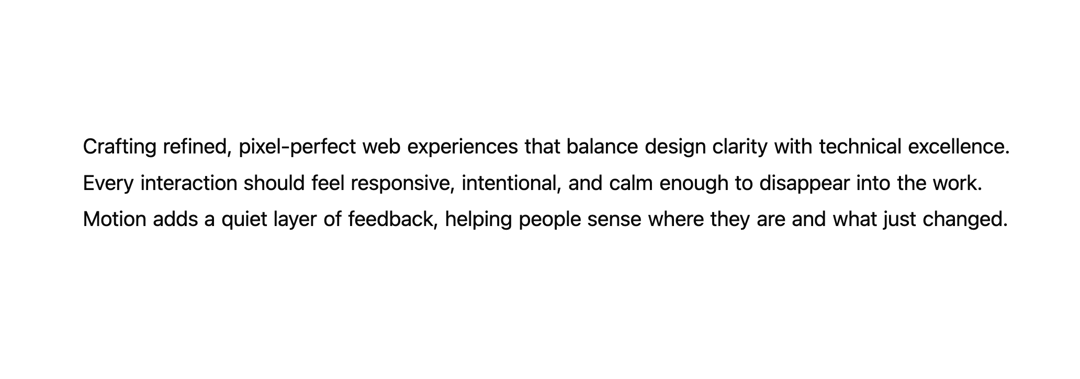
      text="Crafting refined, pixel-perfect web experiences that balance design clarity with technical excellence. Every interaction should feel responsive, intentional, and calm enough to disappear into the work. Motion adds a quiet layer of feedback, helping people sense where they are and what just changed."
    />
  );
}

export default KineticHeadline
Dependencies
More by Edwin Vakayil
View all
Origin Button
887
Infinite Ribbon
602
Shimmer Text
461
Dia Text
379
Icon Bar
266
FAQ Pro
250
Verified Badge
235
New Card
201
More in Text
View all

Vertical Cut Reveal Characters
134

Astryx Chat Tokenized Text
9
Text Reveal
31

Rainbow Text Effect
61

Scroll Fill Headline
44

Shine Border
1K

Split text
79
Motion Blur Text
47