

About
A small illustration of three overlapping browser windows where hovering a window behind the front one moves the active highlight to it, useful above the text in a bento grid or feature card about context switching or too many open tabs.
Built with React and Tailwind. Copy the prompt and paste it into Claude Code, Cursor or Lovable: your agent adds Tab Overload to your project and fits it to your theme.
Code
How Tab Overload is used: the demo's code. The component's own source comes with a free account.
Usage.tsx
import { TabOverload } from "@/components/ui/tab-overload";

export default function TabOverloadDemo() {
  return (
    <div className="flex w-full h-full items-center justify-center bg-background p-10">
      <article className="max-w-[360px] text-foreground">
        <TabOverload />
        <h3 className="mt-4 text-lg font-semibold">Too many tabs open</h3>
        <p className="mt-1 text-sm text-muted-foreground">
          Research scattered across a dozen browser windows, with no single
          source of truth.
        </p>
      </article>
    </div>
  );
}
More by flohoeller
View all
Profile Menu
89
Side Folder
57
Filter Menu
44
Agent Team
36
Comment Thread
31
Team Invite
28
Enrichment Orbit
26
Tips Panel
25
More in Features
View all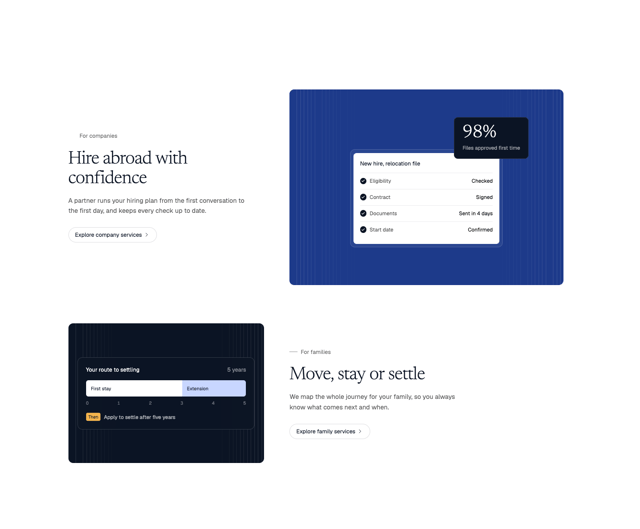

Feature UI Row
25
Feature Sections
59

Animated Bento Features
18

Tabbed Feature Categories
97
Feature with advantages
302

Features 4
403
Features 8
3.2K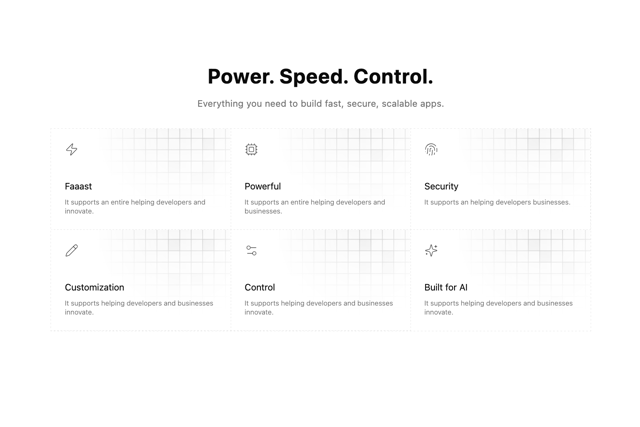

Grid Feature Cards
1.9K
