
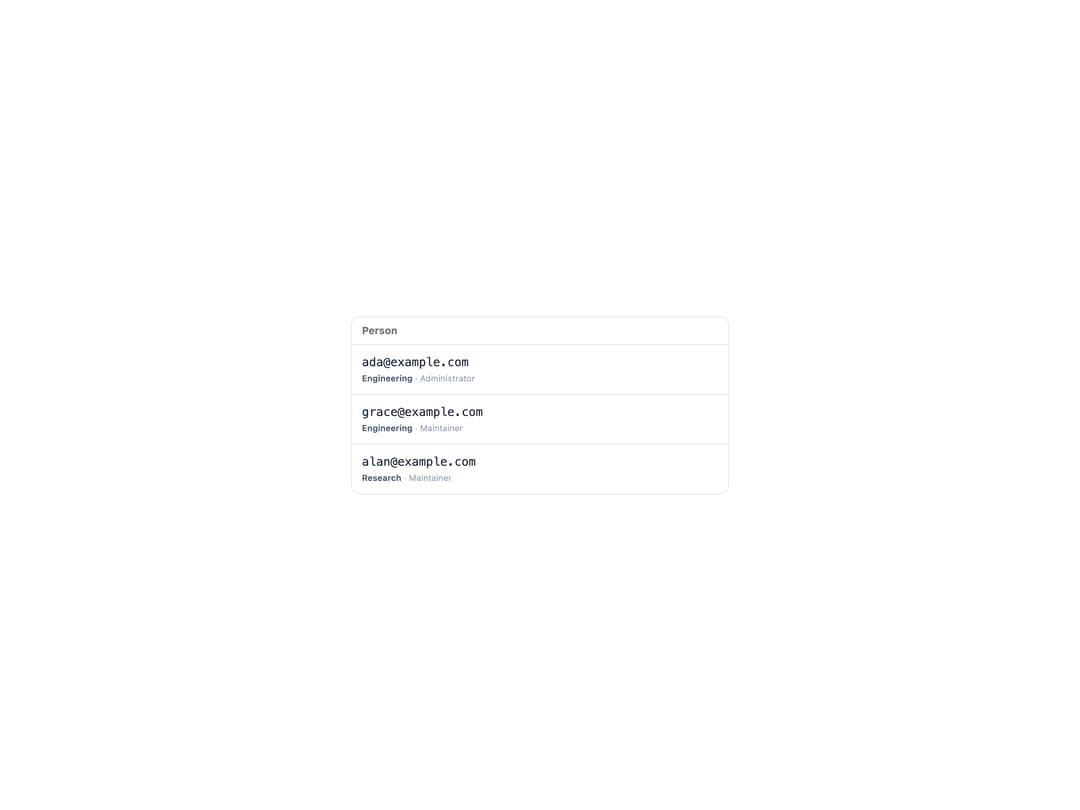
About
A table cell that shows a user's identity as a username with a secondary line for their group and category underneath, for admin tables that list accounts.
Built with React and Tailwind. Copy the prompt and paste it into Claude Code, Cursor or Lovable: your agent adds Account Cell to your project and fits it to your theme.
Code
How Account Cell is used: the demo's code. The component's own source comes with a free account.
Usage.tsx
import AccountCell from "@/components/ui/account-cell";

type Person = {
  id: number;
  email: string;
  team: string;
  role: string;
};

const PEOPLE: Person[] = [
  {
    id: 1,
    email: "[email protected]",
    team: "Engineering",
    role: "Administrator",
  },
  {
    id: 2,
    email: "[email protected]",
    team: "Engineering",
    role: "Maintainer",
  },
  { id: 3, email: "[email protected]", team: "Research", role: "Maintainer" },
];

/** A stand-in table, for cell components that only make sense inside one. */
function DemoTable({
  head,
  children,
}: {
  head: React.ReactNode;
  children: React.ReactNode;
}) {
  return (
    <div className="overflow-x-auto rounded-lg border border-border bg-background">
      <table className="w-full text-sm">
        <thead>
          <tr className="border-b border-border text-left text-xs text-muted-foreground">
            {head}
          </tr>
        </thead>
        <tbody>{children}</tbody>
      </table>
    </div>
  );
}

export default function AccountCellDemo() {
  return (
    <div className="flex min-h-[300px] w-full items-center justify-center bg-background p-6">
      <div className="w-full max-w-md">
        <DemoTable head={<th className="px-3 py-2">Person</th>}>
          {PEOPLE.map((p) => (
            <tr key={p.id} className="border-b border-border last:border-0">
              <td className="px-3 py-3">
                <AccountCell
                  username={p.email}
                  cluster={p.team}
                  brand={p.role}
                />
              </td>
            </tr>
          ))}
        </DemoTable>
      </div>
    </div>
  );
}
More by haassiib
View all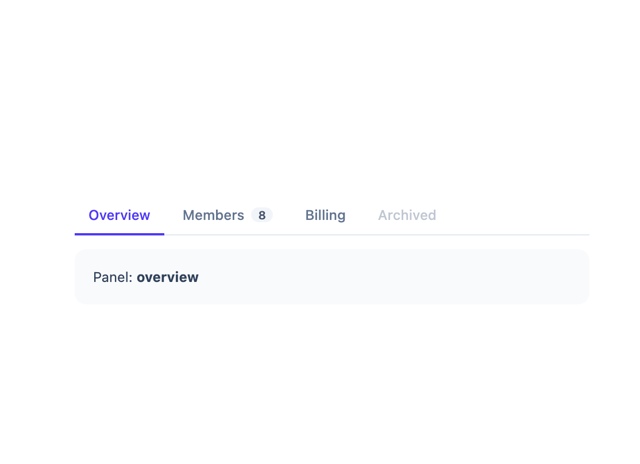
Tabs
18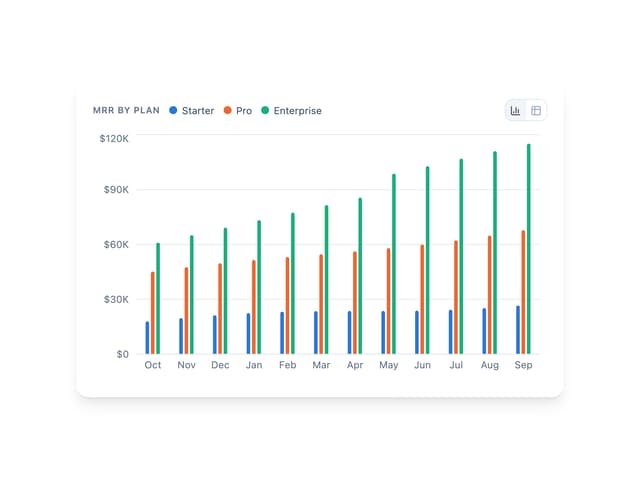
Bar Chart
7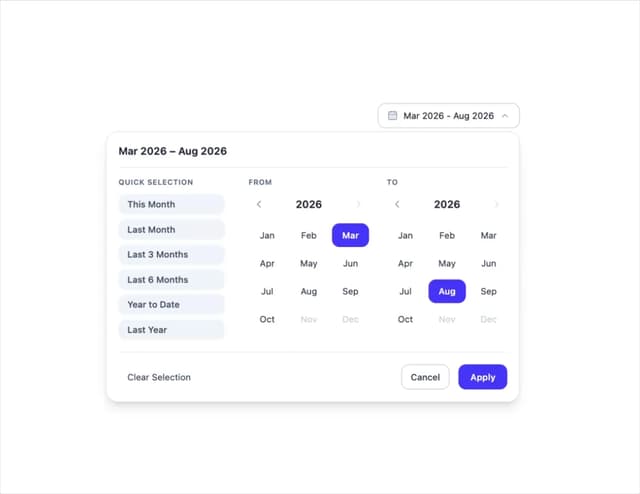
Month Range Picker
7
Checkbox
2
Month Picker
1
Split Button
1
Condition Groups Builder
1
Resizable Drawer