
About
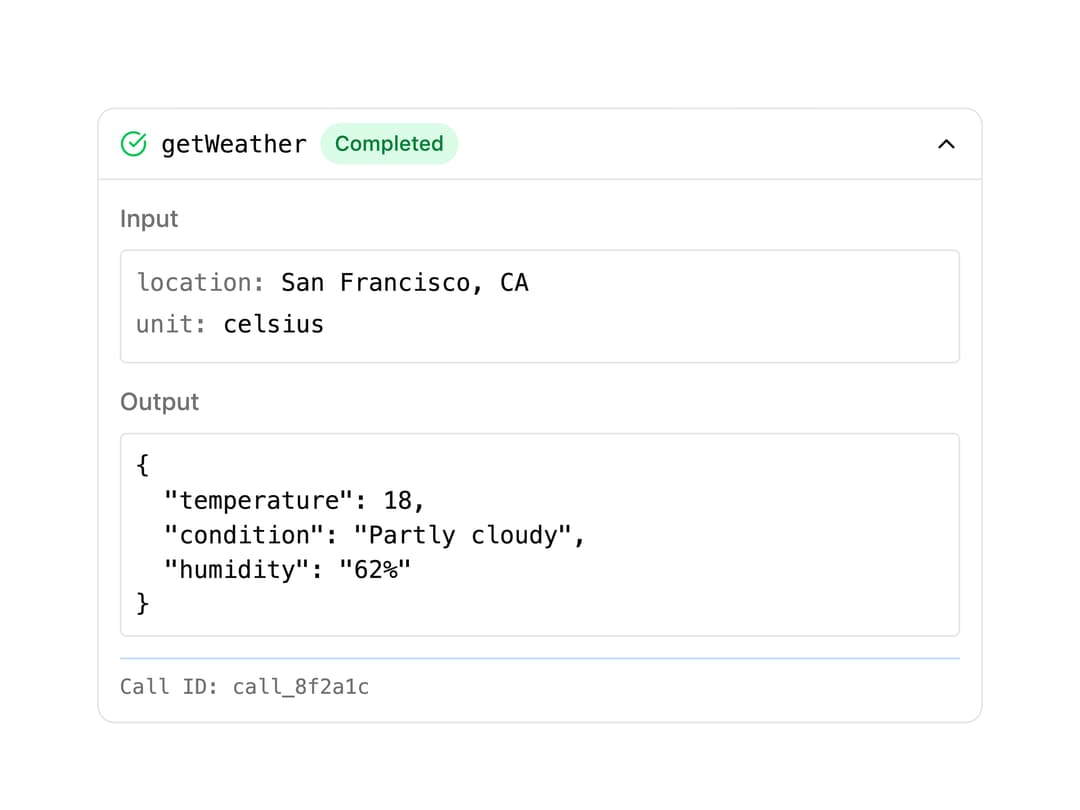
A collapsible panel that shows an AI tool call's status, input arguments, output, and errors, for visualizing tool usage in chat interfaces.
Built with React and Tailwind. Copy the prompt and paste it into Claude Code, Cursor or Lovable: your agent adds Tool Call Display to your project and fits it to your theme.
Code
How Tool Call Display is used: the demo's code. The component's own source comes with a free account.
Usage.tsx
import { Tool, type ToolPart } from "@/components/ui/tool";

const exampleToolPart: ToolPart = {
  type: "getWeather",
  state: "output-available",
  input: {
    location: "San Francisco, CA",
    unit: "celsius",
  },
  output: {
    temperature: 18,
    condition: "Partly cloudy",
    humidity: "62%",
  },
  toolCallId: "call_8f2a1c",
};

export default function ToolDemo() {
  return (
    <div className="w-full max-w-lg">
      <Tool toolPart={exampleToolPart} defaultOpen />
    </div>
  );
}
Dependencies
More by Julien Thibeaut
View all

Dock
3.3K
Text Effect
1.7K
Infinite Slider
1.6K
Text Shimmer
1.3K
Text Scramble
1.1K
Progressive blur
713
Glow Effect
640
Tailwind CSS Background Snippet
623
More in AI chats
View all

AI Actions
361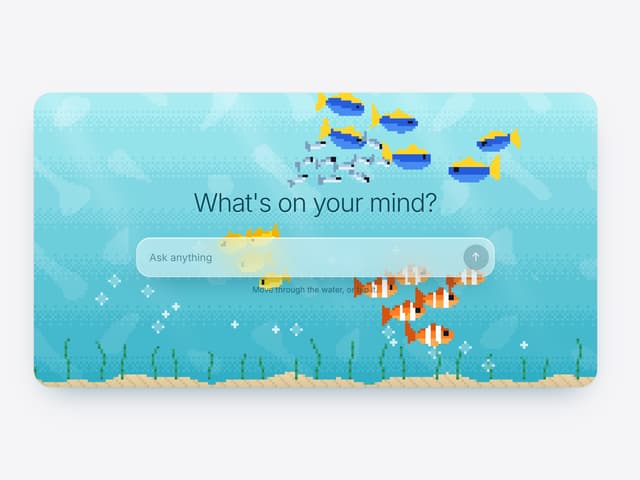

Aquarium Prompt
168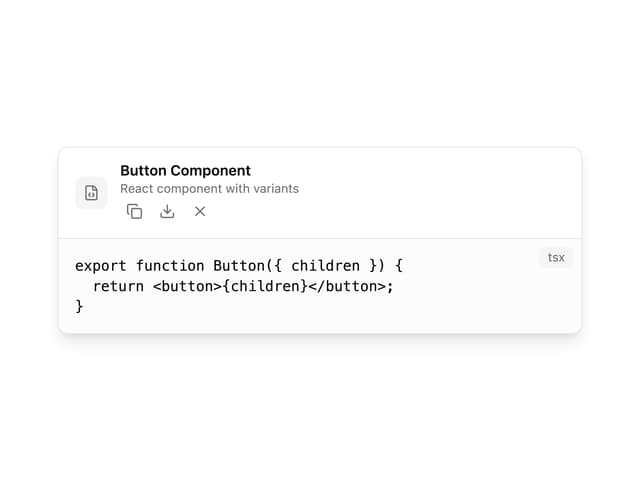
AI Artifact
17

AI Suggestions
22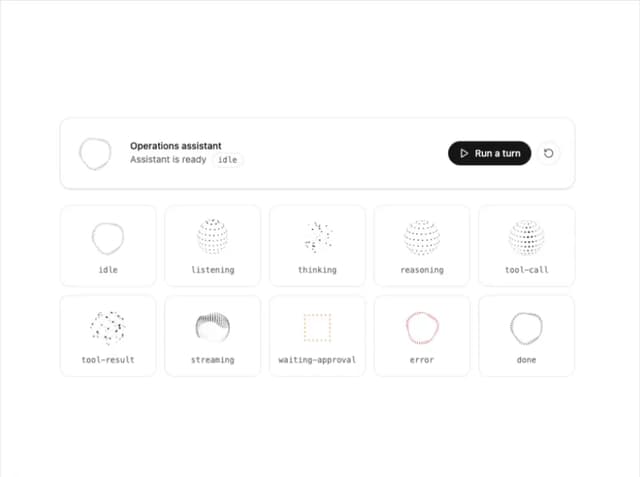

AI Orb
216
Agent Chat
21
Color Picker
229
AI Task List
198


