
About
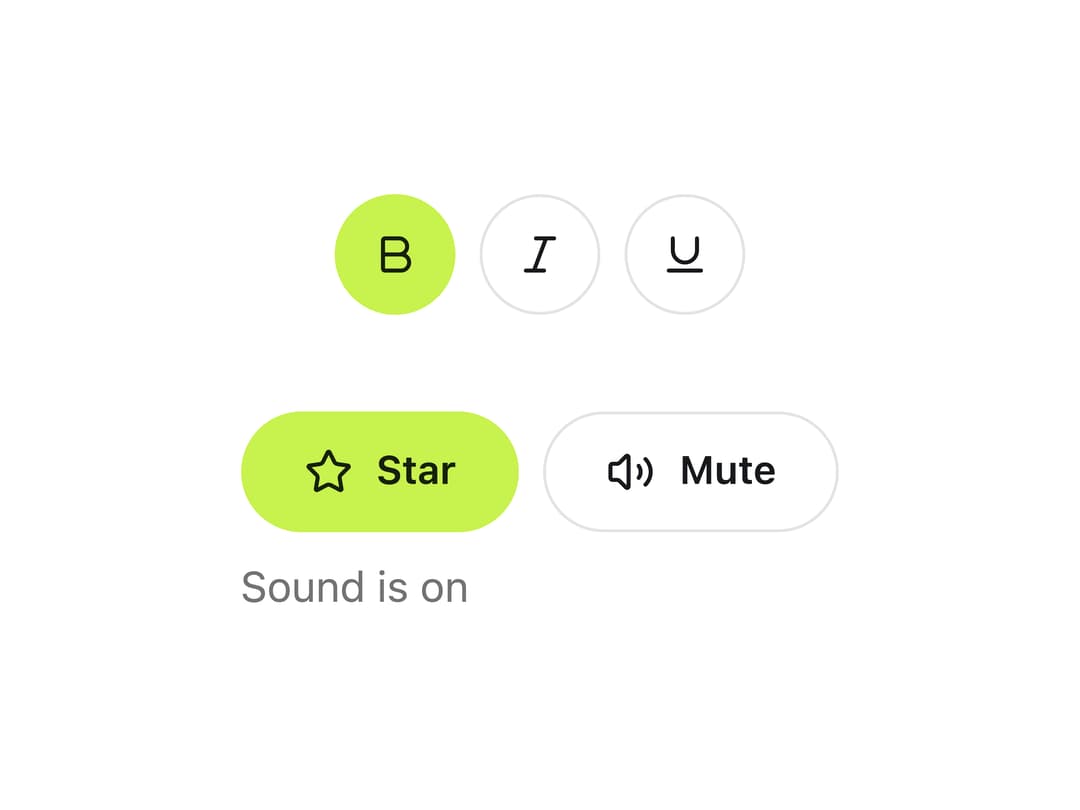
A single button that stays pressed, announced to assistive tech with aria-pressed, for actions like Bold, Mute, Follow or Star that stick on rather than open a dialog or submit a setting.
Built with React and Tailwind. Copy the prompt and paste it into Claude Code, Cursor or Lovable: your agent adds Toggle Button to your project and fits it to your theme.
Code
How Toggle Button is used: the demo's code. The component's own source comes with a free account.
Usage.tsx
"use client";

import { ToggleButton } from "@/components/ui/toggle-button";
import { useState } from "react";
import { Bold, Italic, Underline, Star, Volume2, VolumeX } from "lucide-react";

export default function ToggleButtonDemo() {
  const [muted, setMuted] = useState(false);

  return (
    <div className="flex flex-col items-center gap-8 p-10 bg-background text-foreground">
      <div className="flex items-center gap-2">
        <ToggleButton icon={Bold} iconOnly defaultPressed>
          Bold
        </ToggleButton>
        <ToggleButton icon={Italic} iconOnly>
          Italic
        </ToggleButton>
        <ToggleButton icon={Underline} iconOnly>
          Underline
        </ToggleButton>
      </div>

      <div className="flex flex-col items-start gap-2">
        <div className="flex items-center gap-2">
          <ToggleButton icon={Star} defaultPressed>
            Star
          </ToggleButton>
          <ToggleButton
            icon={Volume2}
            pressedIcon={VolumeX}
            pressed={muted}
            onPressedChange={setMuted}
          >
            Mute
          </ToggleButton>
        </div>
        <p className="text-sm text-muted-foreground">
          {muted ? "Sound is off" : "Sound is on"}
        </p>
      </div>
    </div>
  );
}
Dependencies
More by klyv-ui
View all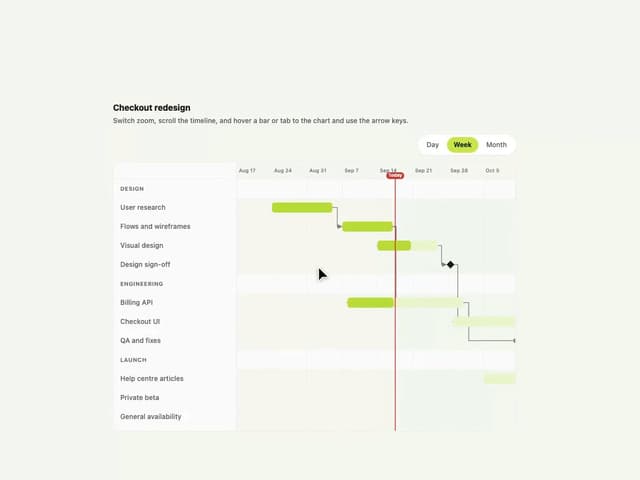
Gantt Chart
106
Shader Canvas
69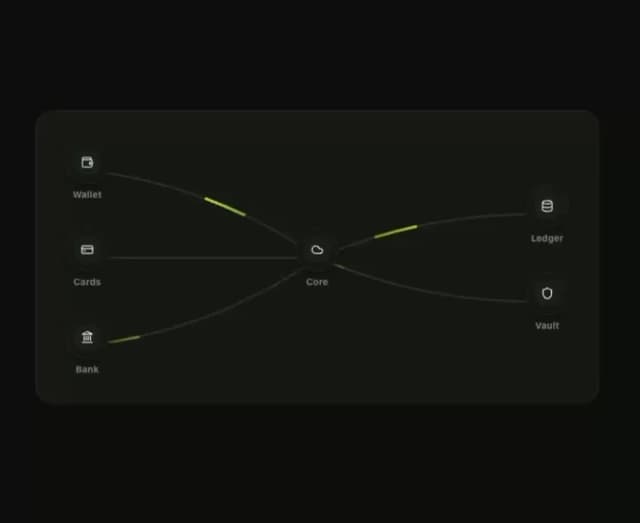
Klyv Animated Beam
68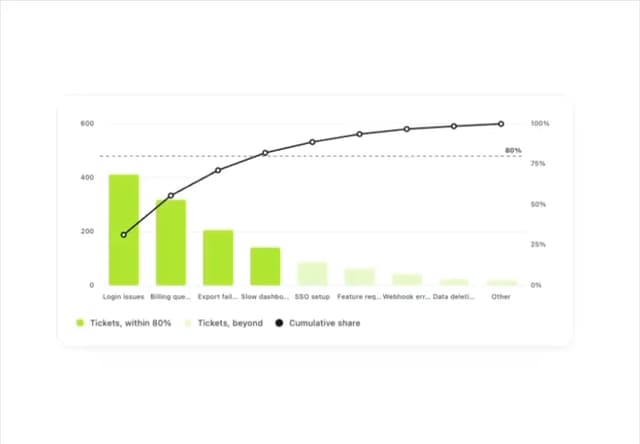
Pareto Chart
60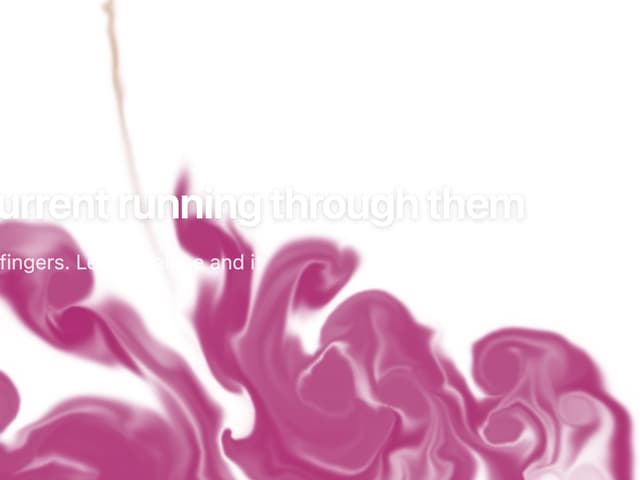
Fluid Canvas
44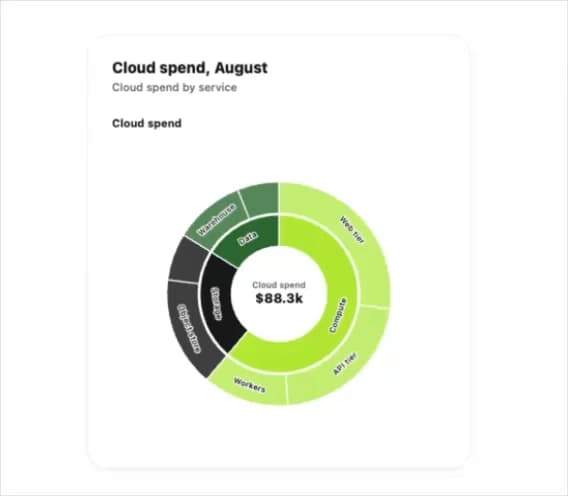
Sunburst Chart
35
Time Slot Picker
32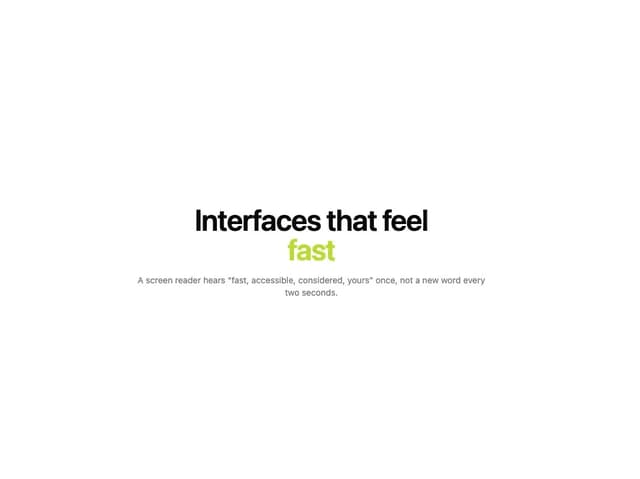
Morphing Text
32
More in Buttons
View all
Button
20

Button
3

Button Group
18

Button
149

Icon Label Subtext Button
69

Button
9

Button
37
Texture Button
113

