About
Headless media player provider that creates a per-instance Zustand store, typed event emitter, and feature setup for building custom video and audio player UIs.
Built with React and Tailwind. Copy the prompt and paste it into Claude Code, Cursor or Lovable: your agent adds Media Provider to your project and fits it to your theme.
Code
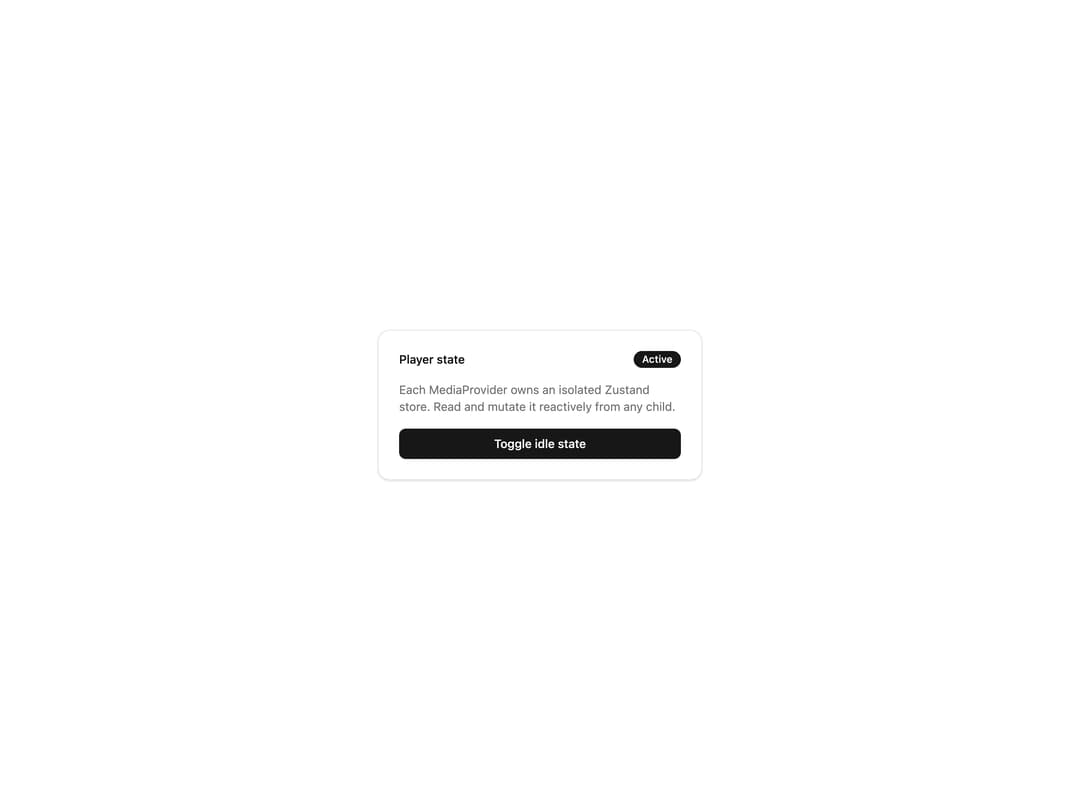
How Media Provider is used: the demo's code. The component's own source comes with a free account.
Usage.tsx
"use client"

import { createMediaKit } from "@/components/ui/media-provider"
import {
  mediaFeature,
  useMediaStore,
} from "@/components/ui/media-provider-utils/use-media"

const media = createMediaKit({ features: [mediaFeature()] as const })
const { MediaProvider } = media

function PlayerStatePanel() {
  const idle = useMediaStore((state) => state.idle)
  const setIdle = useMediaStore((state) => state.setIdle)

  return (
    <div className="w-full max-w-sm rounded-xl border bg-card p-6 text-card-foreground shadow-sm">
      <div className="mb-4 flex items-center justify-between">
        <span className="text-sm font-medium">Player state</span>
        <span
          className={`inline-flex items-center rounded-full px-2.5 py-0.5 text-xs font-medium ${
            idle
              ? "bg-muted text-muted-foreground"
              : "bg-primary text-primary-foreground"
          }`}
        >
          {idle ? "Idle" : "Active"}
        </span>
      </div>
      <p className="mb-4 text-sm text-muted-foreground">
        Each MediaProvider owns an isolated Zustand store. Read and mutate it
        reactively from any child.
      </p>
      <button
        type="button"
        onClick={() => setIdle(!idle)}
        className="w-full rounded-md bg-primary px-4 py-2 text-sm font-medium text-primary-foreground transition-opacity hover:opacity-90"
      >
        Toggle idle state
      </button>
    </div>
  )
}

export default function MediaProviderDemo() {
  return (
    <div className="flex min-h-64 w-full items-center justify-center p-8">
      <MediaProvider>
        <PlayerStatePanel />
      </MediaProvider>
    </div>
  )
}
Dependencies
More by limeplay
View all

Player Layout
98
More in Buttons
View all
Button
20

Button
3

Button Group
18

Button
149

Icon Label Subtext Button
69

Button
9

Button
37
Texture Button
113

