
About
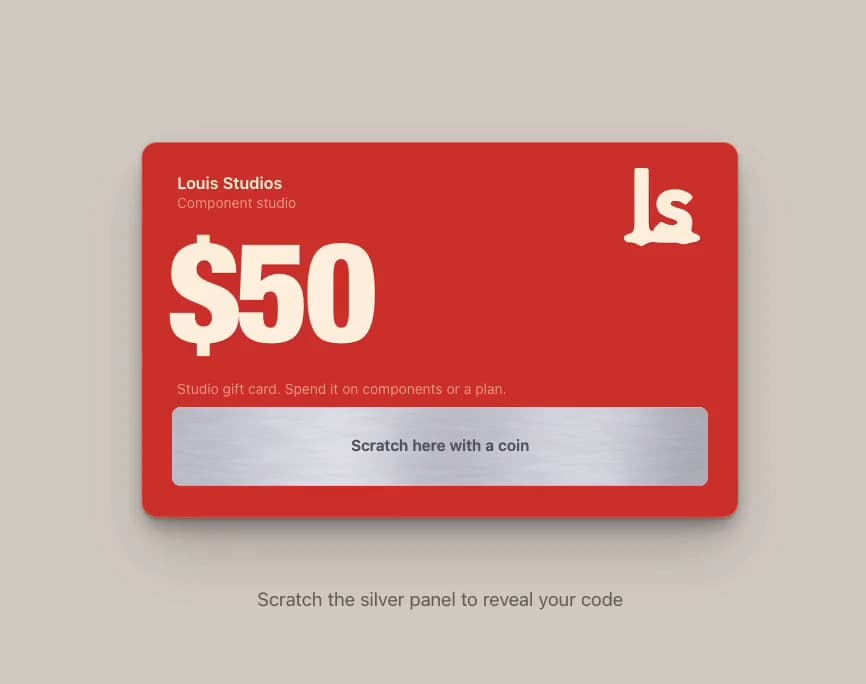
A red gift card with a brushed silver panel: drag a gold coin to scratch away grainy foil, flakes scatter, and the code appears with a copy button. More like this, plus a designer your coding agent can use, at studios.lou15.com/?ref=21st
Built with React and Tailwind. Copy the prompt and paste it into Claude Code, Cursor or Lovable: your agent adds Scratch Card to your project and fits it to your theme.
Code
How Scratch Card is used: the demo's code. The component's own source comes with a free account.
Usage.tsx
"use client";

import * as React from "react";
import { ScratchCard } from "@/components/ui/scratch-card";

/** Scratch Card filling the preview. Drag the coin over the silver panel, or let it play by itself. */
export default function ScratchCardDemo() {
  return (
    <main className="relative h-screen min-h-[340px] w-full overflow-hidden" style={{ backgroundColor: "#d8d4cc" }}>
      <ScratchCard autoplay amount="$50" code="DEMO-LS50-GIFT" style={{ width: "100%", height: "100%" }} />
    </main>
  );
}
More by Louis Studios
View all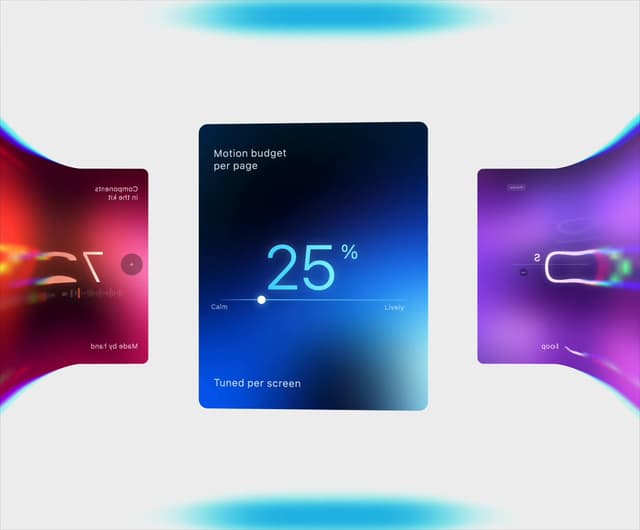

Warp Carousel
1.4K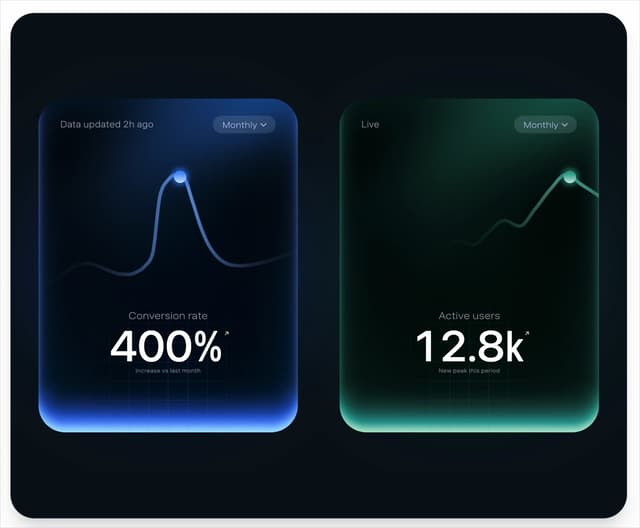
Peak Chart
1.2K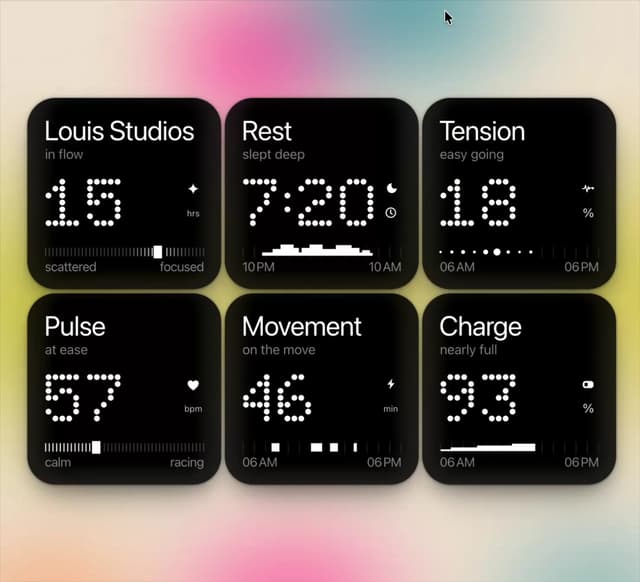
Dot Tiles
197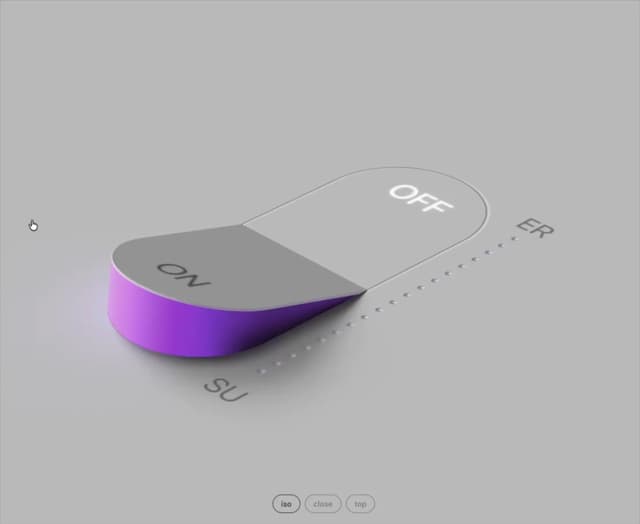
Glow Rocker
188
Chrome Arcs
180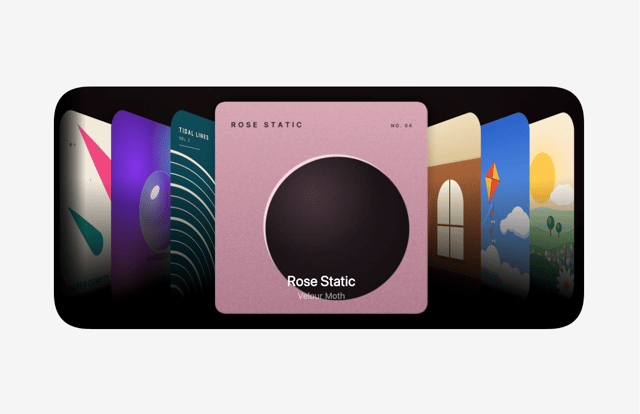
Cover Flow
177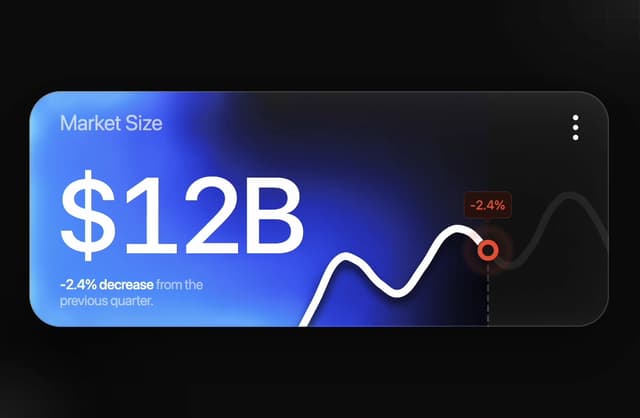
Market Card
146
Chapter Player
140
More in Buttons
View all
Button
20

Button
3

Button Group
18

Button
149

Icon Label Subtext Button
69

Button
9

Button
37
Texture Button
113

