
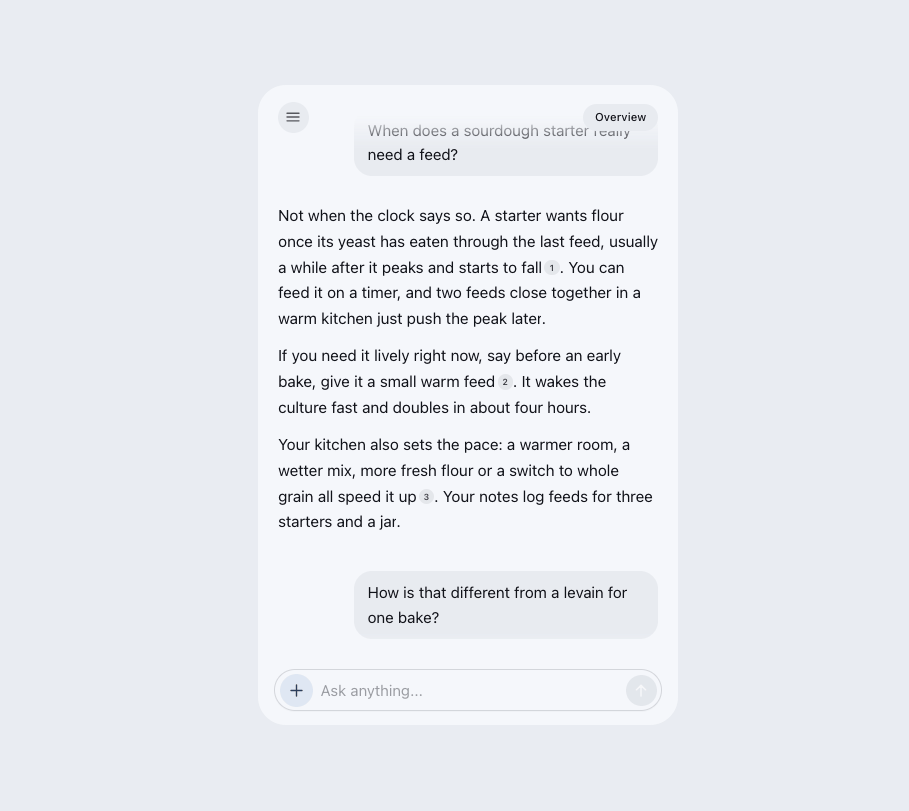
About
An AI answer that shows its work: press Overview and the reply splits beside a scroll-linked rail of source and tool-call cards, each tied to its phrase by a live connector. More like this, plus a designer your coding agent can use, at studios.lou15.com/?ref=21st
Built with React and Tailwind. Copy the prompt and paste it into Claude Code, Cursor or Lovable: your agent adds Source Rail to your project and fits it to your theme.
Code
How Source Rail is used: the demo's code. The component's own source comes with a free account.
Usage.tsx
"use client";

import * as React from "react";
import { SourceRail } from "@/components/ui/source-rail";

/** Press Overview and the answer splits beside a scroll-linked rail of source and tool-call cards. */
export default function SourceRailDemo() {
  return (
    <main className="relative flex h-screen min-h-[560px] w-full items-center justify-center overflow-hidden" style={{ backgroundColor: "#e9ecf2" }}>
      <div style={{ width: "min(100%, 420px)", height: "min(100%, 640px)", borderRadius: 28, overflow: "hidden" }}><SourceRail autoplay /></div>
    </main>
  );
}
More by Louis Studios
View all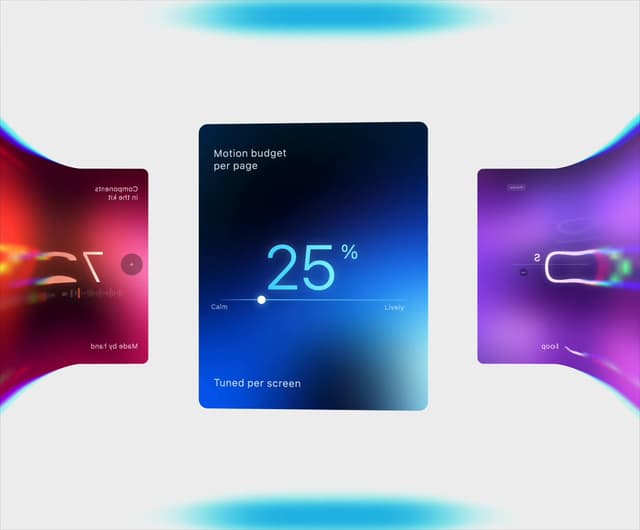

Warp Carousel
1.4K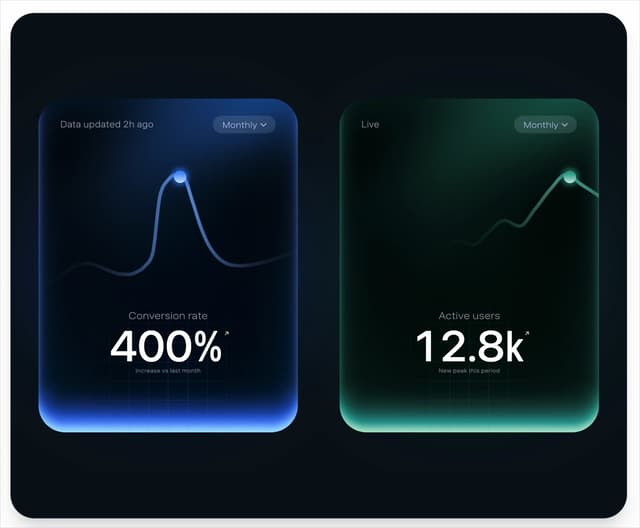
Peak Chart
1.2K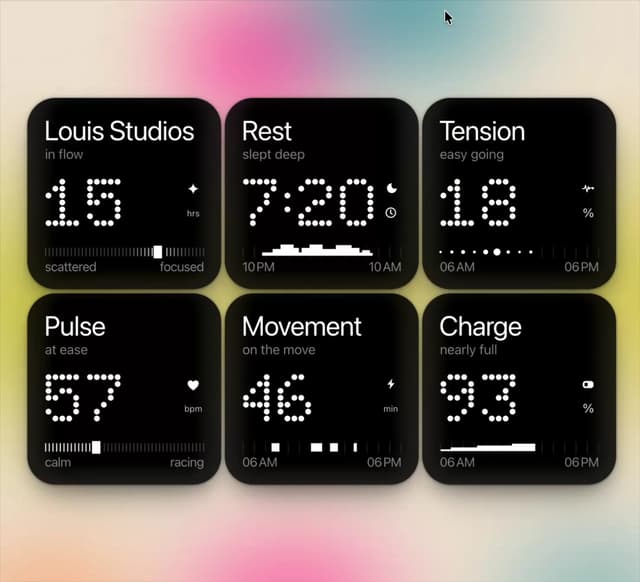
Dot Tiles
197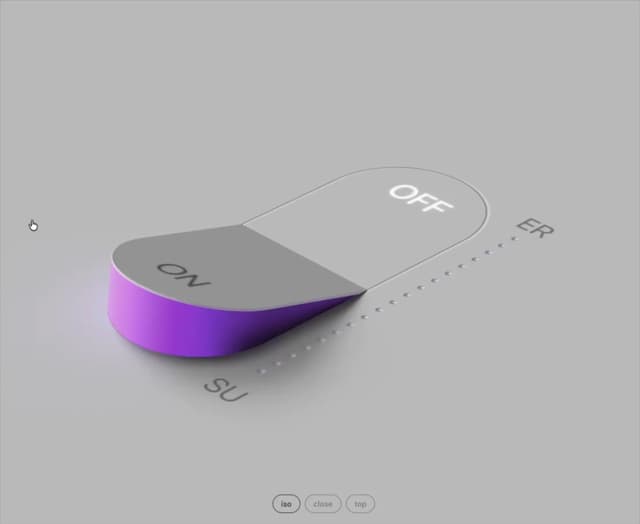
Glow Rocker
188
Chrome Arcs
180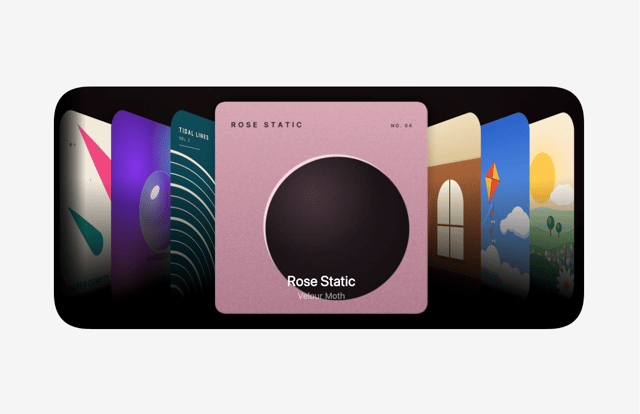
Cover Flow
177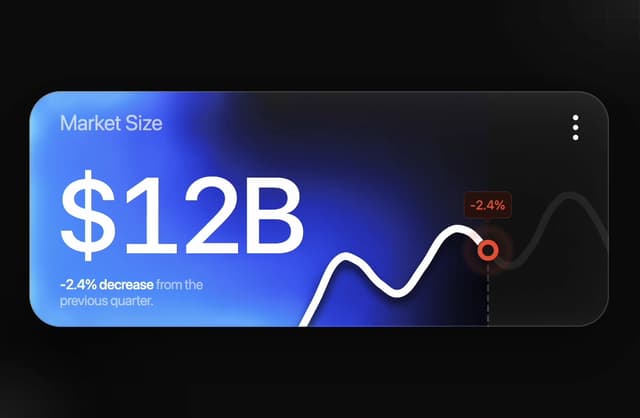
Market Card
146
Chapter Player
140
More in AI chats
View all

AI Actions
361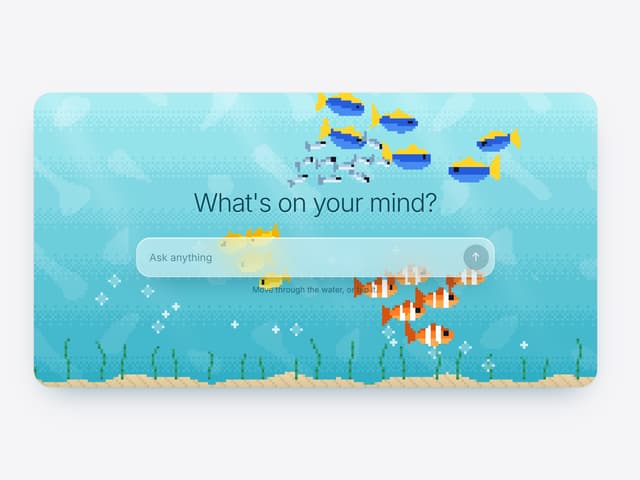

Aquarium Prompt
168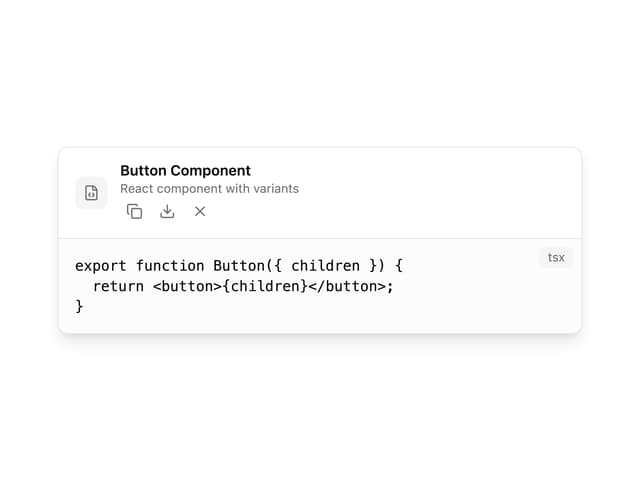
AI Artifact
17

AI Suggestions
22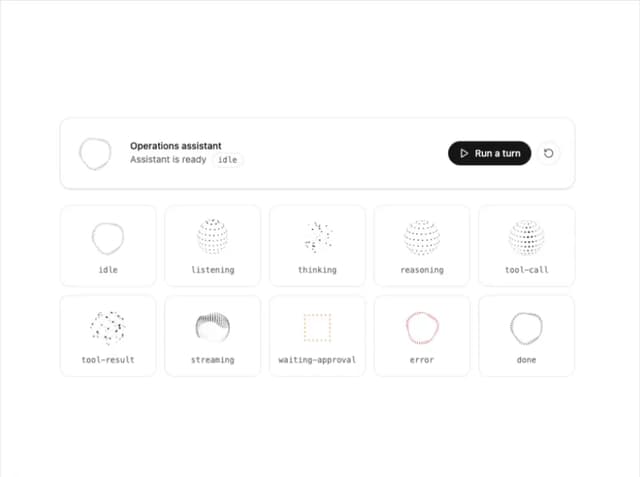

AI Orb
216
Agent Chat
21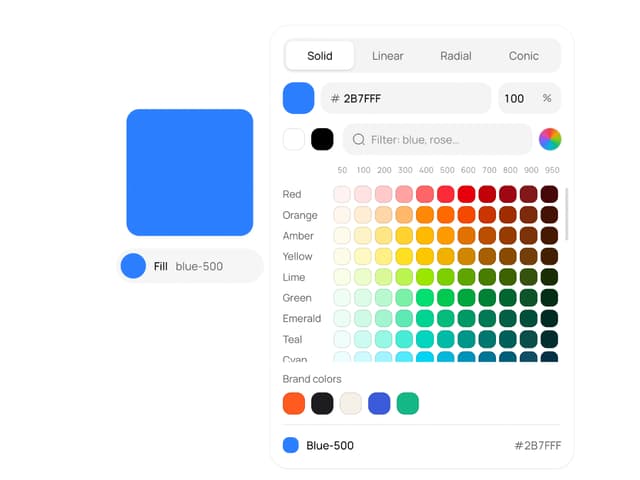
Color Picker
229
AI Task List
198


