
About
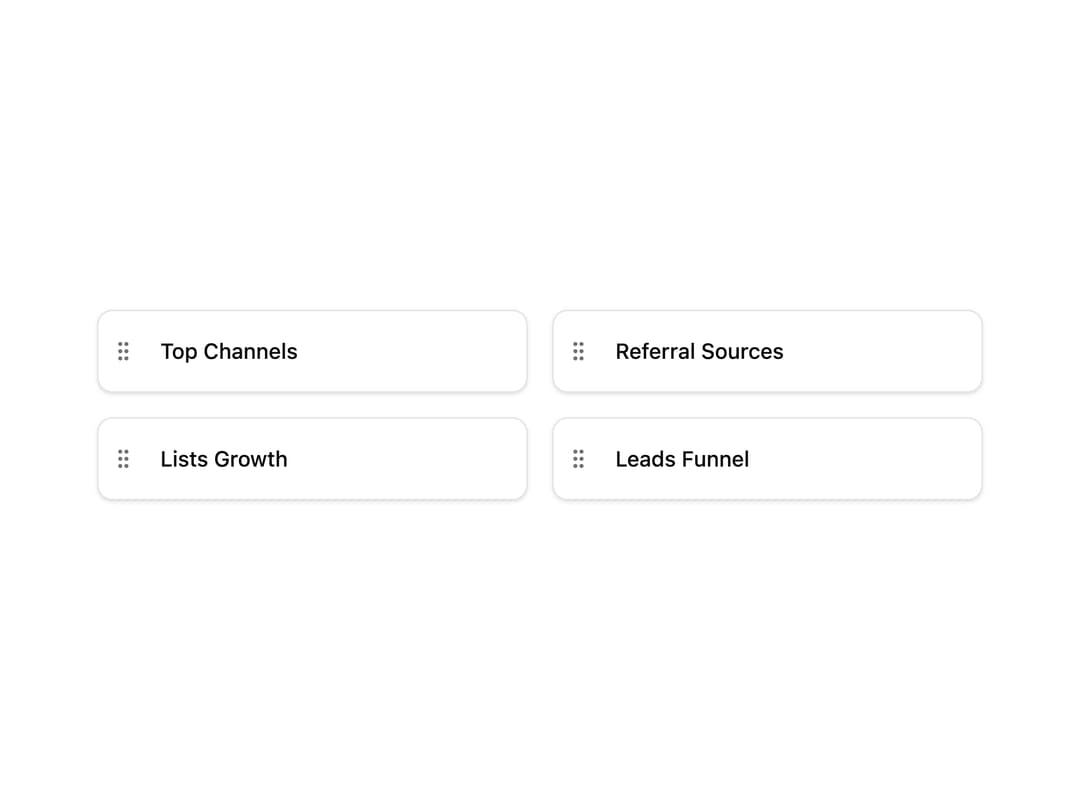
A drag-and-drop grid or list that lets users reorder items by dragging a handle, built on dnd-kit with full keyboard support.
Built with React and Tailwind. Copy the prompt and paste it into Claude Code, Cursor or Lovable: your agent adds Sortable Grid to your project and fits it to your theme.
Code
How Sortable Grid is used: the demo's code. The component's own source comes with a free account.
Usage.tsx
"use client";

import * as React from "react";
import { SortableGrid } from "@/components/ui/sortable-grid";

interface Item {
  id: string;
  title: string;
}

const initialItems: Item[] = [
  { id: "channels", title: "Top Channels" },
  { id: "referral", title: "Referral Sources" },
  { id: "growth", title: "Lists Growth" },
  { id: "funnel", title: "Leads Funnel" },
];

function GripVertical({ className }: { className?: string }) {
  return (
    <svg
      viewBox="0 0 24 24"
      fill="none"
      stroke="currentColor"
      strokeWidth={2}
      strokeLinecap="round"
      strokeLinejoin="round"
      className={className}
      aria-hidden="true"
    >
      <circle cx="9" cy="5" r="1" />
      <circle cx="9" cy="12" r="1" />
      <circle cx="9" cy="19" r="1" />
      <circle cx="15" cy="5" r="1" />
      <circle cx="15" cy="12" r="1" />
      <circle cx="15" cy="19" r="1" />
    </svg>
  );
}

export default function SortableGridDemo() {
  const [items, setItems] = React.useState<Item[]>(initialItems);

  return (
    <div className="flex w-full items-center justify-center p-8">
      <SortableGrid
        items={items}
        onReorder={setItems}
        strategy="grid"
        className="grid w-full max-w-xl grid-cols-1 gap-4 sm:grid-cols-2"
        ariaLabel="Sortable widgets"
      >
        {(item, { containerProps, dragHandleProps, isDragging }) => (
          <div
            {...containerProps}
            className={`relative rounded-lg border border-border bg-card p-4 pl-10 shadow-sm transition-opacity ${
              isDragging ? "opacity-70 ring-2 ring-ring" : ""
            }`}
          >
            <button
              {...dragHandleProps}
              aria-label={`Drag ${item.title} to reorder`}
              className="absolute left-2 top-1/2 -translate-y-1/2 cursor-grab touch-none text-muted-foreground hover:text-foreground"
            >
              <GripVertical className="h-4 w-4" />
            </button>
            <div className="text-sm font-medium text-card-foreground">
              {item.title}
            </div>
          </div>
        )}
      </SortableGrid>
    </div>
  );
}
Dependencies
More by Mahmoud Ilyan
View all
Steps
5
Chart
2
Radio Card
1
Switch
1
Input
1
Badge
1
Textarea

Tabs
More in Dashboards
View all
Creator Dashboard
94
serf dashboard
84
Dashboard with Collapsible Sidebar
2.6K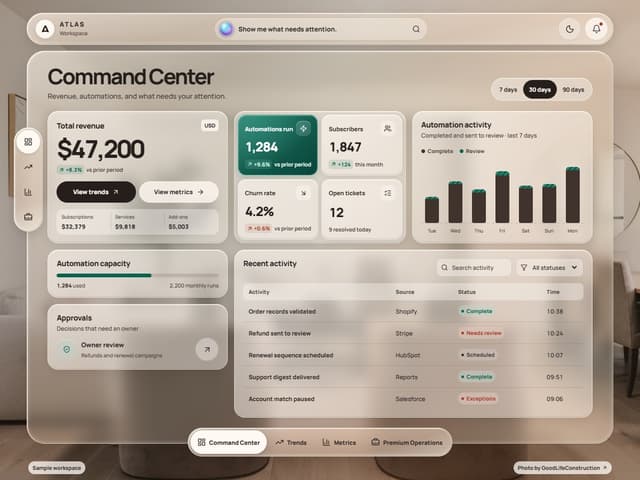

Glass Dashboard
1.1K
Adjustable Glass Dashboard
1.2K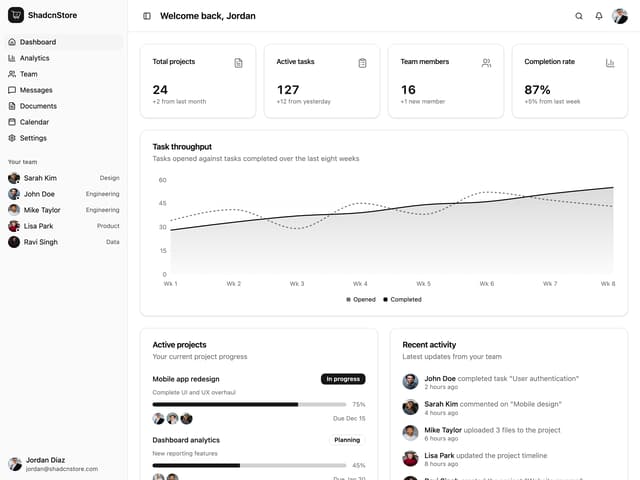

App Dashboard Layout
572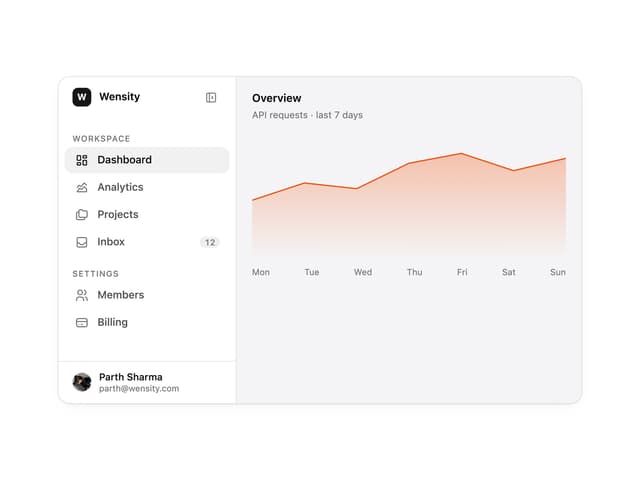

Sidebar
422
Dashboard Shell
215


