
About
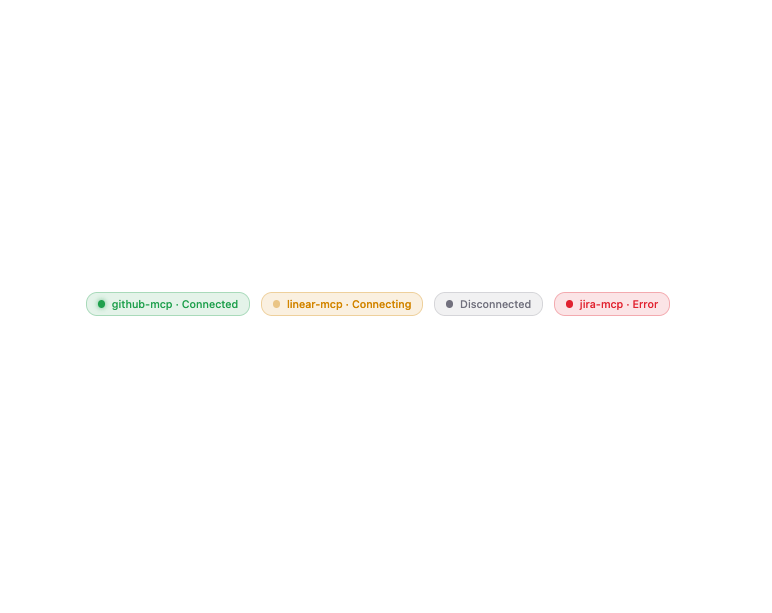
A small status badge that shows whether an MCP server connection is connected, connecting, disconnected, or in an error state.
Built with React and Tailwind. Copy the prompt and paste it into Claude Code, Cursor or Lovable: your agent adds MCP Server Status to your project and fits it to your theme.
Code
How MCP Server Status is used: the demo's code. The component's own source comes with a free account.
Usage.tsx
import McpServerStatus from "@/components/ui/mcp-server-status";

export default function Example() {
  return (
    <div className="flex gap-3 flex-wrap">
      <McpServerStatus status="connected" serverName="github-mcp" />
      <McpServerStatus status="connecting" serverName="linear-mcp" />
      <McpServerStatus status="disconnected" />
      <McpServerStatus status="error" serverName="jira-mcp" />
    </div>
  );
}
Dependencies
More by mayurrawte
View all
Feedback Buttons
4
Streaming Text
4
MCP Scope Inspector
2
Tooltip
2
Accordion
2
Skeleton
2
Select Dropdown
1
Loader
1