
About
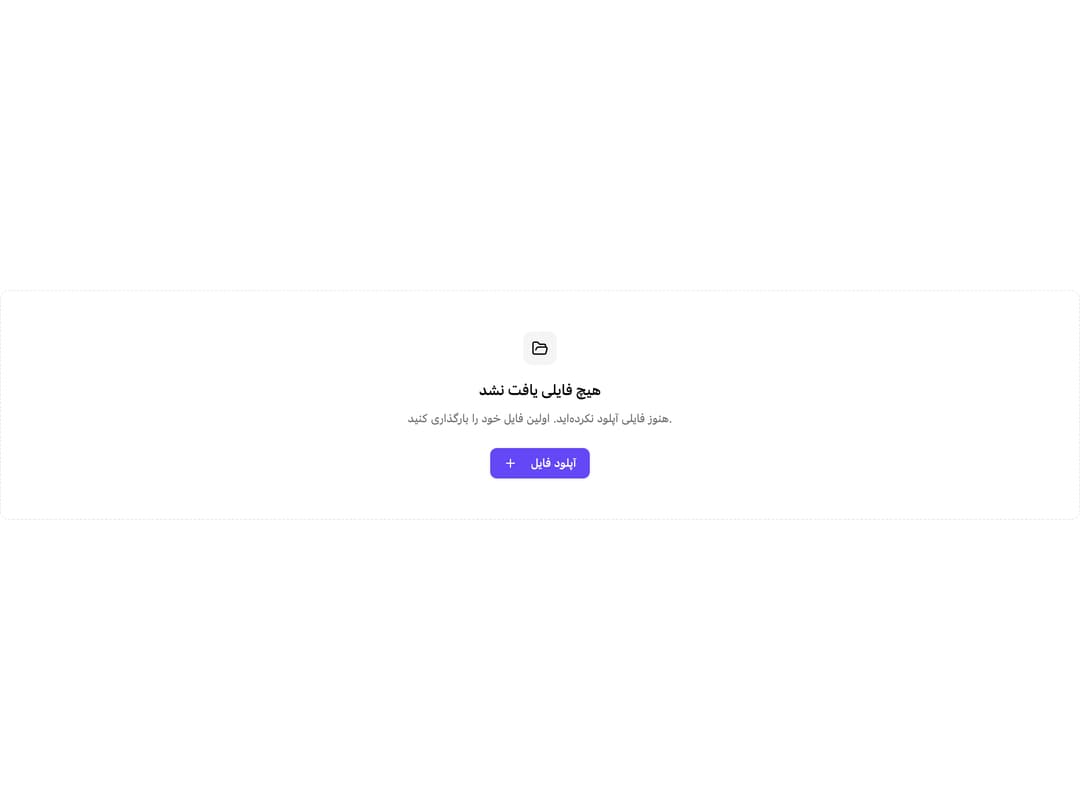
A placeholder layout for showing when there is no data to display, with an icon, title, description and optional action buttons.
Built with React and Tailwind. Copy the prompt and paste it into Claude Code, Cursor or Lovable: your agent adds Empty State to your project and fits it to your theme.
Code
How Empty State is used: the demo's code. The component's own source comes with a free account.
Usage.tsx
import { Button } from "@/components/ui/button";
import {
Empty,
EmptyContent,
EmptyDescription,
EmptyHeader,
EmptyMedia,
EmptyTitle,
} from "@/components/ui/empty";
import { FolderOpen, Plus } from "lucide-react";
export default function EmptyWithActionDemo() {
return (
<Empty className="border">
<EmptyHeader>
<EmptyMedia variant="icon">
<FolderOpen className="size-5" />
</EmptyMedia>
<EmptyTitle>هیچ فایلی یافت نشد</EmptyTitle>
<EmptyDescription>
هنوز فایلی آپلود نکردهاید. اولین فایل خود را بارگذاری کنید.
</EmptyDescription>
</EmptyHeader>
<EmptyContent>
<Button>
<Plus className="size-4 me-2" />
آپلود فایل
</Button>
</EmptyContent>
</Empty>
);
}
Dependencies
More by miladjoodi
View all
Image Diff Slider
39
Avatar
Phone Input
Button
Item
Signature Pad
Hover Card

File Upload
More in CTAs
View all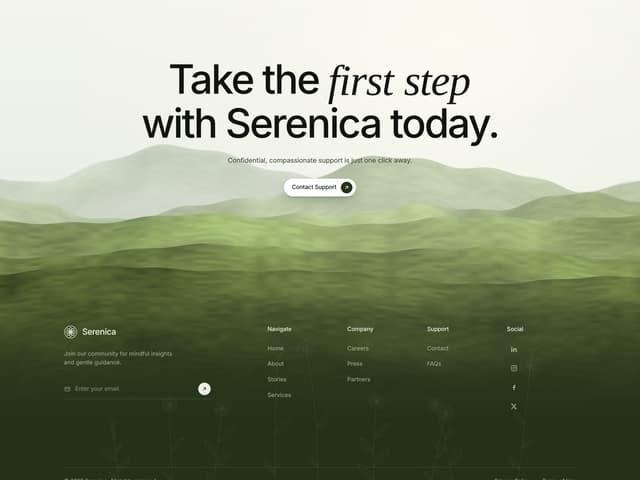

Hills Landscape Footer with Call to Action
324

Cta 4
310

Button
151
Call to action
186

Integrations Section
677

Responsive Hero Banner
2.2K

Hero
1.4K

Call to Action 01
64
