
About
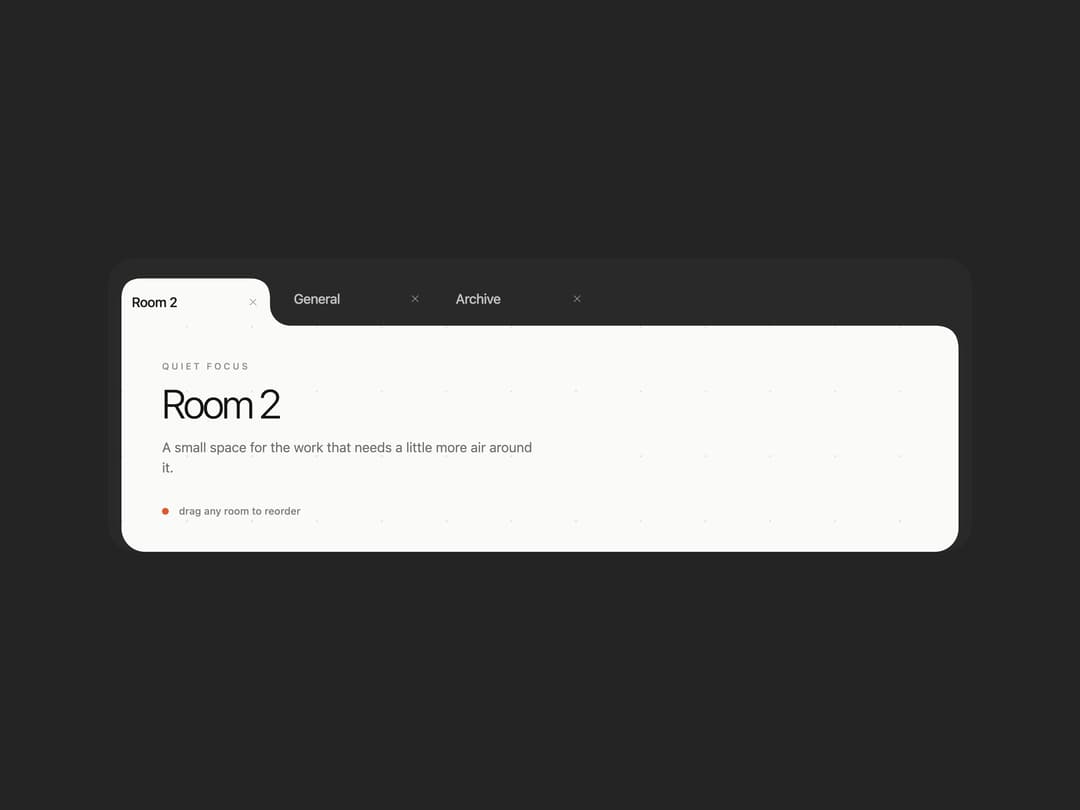
A tab bar whose tabs can be dragged or reordered with the keyboard, where the active tab's shape morphs into the content panel below it as the selection slides between tabs, with an optional per-tab close button.
Built with React and Tailwind. Copy the prompt and paste it into Claude Code, Cursor or Lovable: your agent adds Morphing Tabs to your project and fits it to your theme.
Code
How Morphing Tabs is used: the demo's code. The component's own source comes with a free account.
Usage.tsx
"use client";

import MorphingTabs, {
  type MorphingTabsItem,
} from "@/components/ui/morphing-tabs";
import * as React from "react";

const ROOM_CONTENT: Record<
  string,
  { eyebrow: string; title: string; detail: string; accent: string }
> = {
  "room-2": {
    eyebrow: "quiet focus",
    title: "Room 2",
    detail:
      "A small space for the work that needs a little more air around it.",
    accent: "#db5b2f",
  },
  general: {
    eyebrow: "shared space",
    title: "General",
    detail:
      "The common room for notes, links and the ideas that are still finding their shape.",
    accent: "#1bb273",
  },
  archive: {
    eyebrow: "kept close",
    title: "Archive",
    detail:
      "Past rooms stay available without competing with the conversations in motion.",
    accent: "#7a6de2",
  },
};

function RoomPanel({ id }: { id: string }) {
  const room = ROOM_CONTENT[id];

  return (
    <div className="relative min-h-64 overflow-hidden bg-[radial-gradient(circle_at_1px_1px,#dfe2e3_1px,transparent_1.5px)] bg-[size:4.8rem_4.8rem] px-7 py-8 md:px-12 md:py-10">
      <div className="relative max-w-xl">
        <p className="text-[0.68rem] font-semibold uppercase tracking-[0.24em] text-black/40">
          {room.eyebrow}
        </p>
        <h3 className="mt-3 text-3xl font-light tracking-[-0.055em] text-[#151515] md:text-5xl">
          {room.title}
        </h3>
        <p className="mt-4 max-w-md text-sm leading-6 text-black/55 md:text-base">
          {room.detail}
        </p>
        <div className="mt-8 flex items-center gap-3 text-xs font-medium text-black/50">
          <span
            className="size-2 rounded-full"
            style={{ backgroundColor: room.accent }}
          />
          drag any room to reorder
        </div>
      </div>
    </div>
  );
}

export default function MorphingTabsPreview() {
  const initialItems = React.useMemo<MorphingTabsItem[]>(
    () =>
      Object.keys(ROOM_CONTENT).map((id) => ({
        id,
        label: ROOM_CONTENT[id].title,
        content: <RoomPanel id={id} />,
      })),
    [],
  );
  const [items, setItems] = React.useState(initialItems);
  const [value, setValue] = React.useState<string | null>("room-2");

  return (
    <div className="flex w-full min-w-0 items-center justify-center bg-[#242424] p-3 md:p-8">
      <MorphingTabs
        items={items}
        value={value}
        onValueChange={setValue}
        onOrderChange={(ids) => {
          setItems((current) => {
            const byId = new Map(current.map((item) => [item.id, item]));
            return ids.flatMap((id) => {
              const item = byId.get(id);
              return item ? [item] : [];
            });
          });
        }}
        onClose={(id) => {
          setItems((current) => {
            const next = current.filter((item) => item.id !== id);
            if (id === value) setValue(next[0]?.id ?? null);
            return next;
          });
        }}
        ariaLabel="Rooms"
        className="w-full max-w-5xl"
      />
    </div>
  );
}
Dependencies
More by Mark Yo
View all
Loader
67
Pricing Table
24
Bento Grid
10
Wallet Card
4
Expandable Tabs
4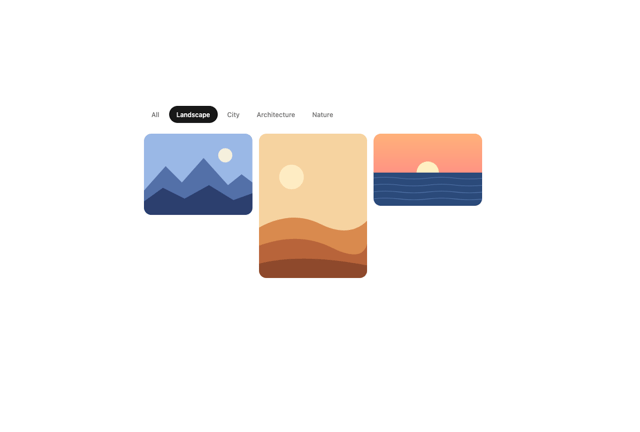
Image Gallery
3
CTA Section
3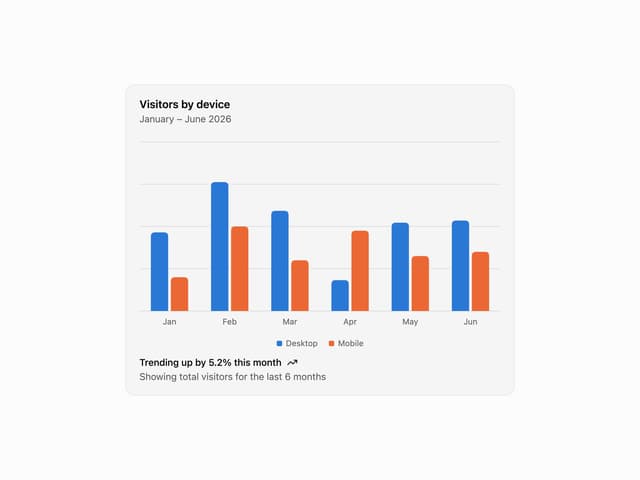
Bar Chart
1
More in Navigation
View all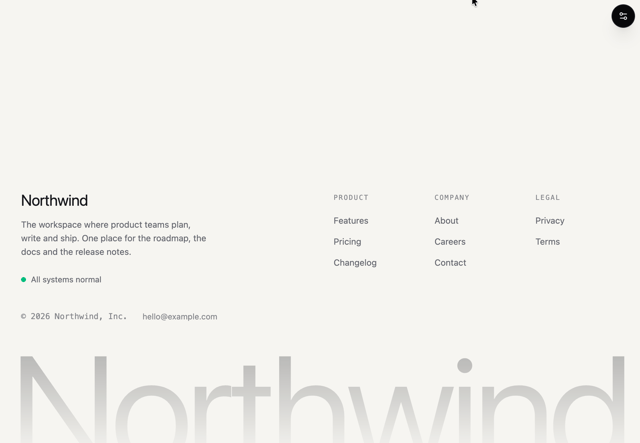

Footer with Big Wordmark
100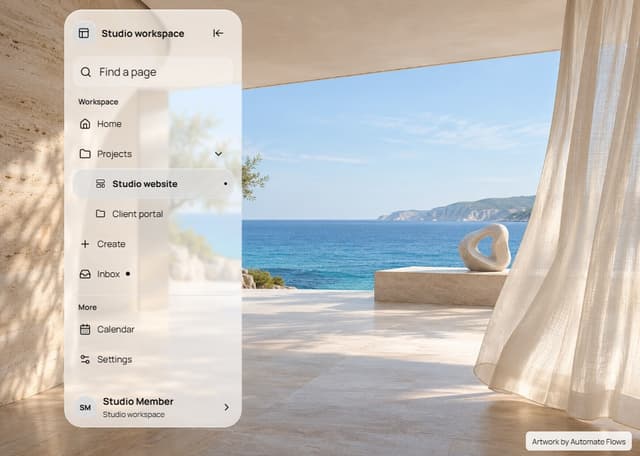

Liquid Glass Expandable Sidebar
295

Sidebar
422
Pagination with Ellipsis
25

Pagination
3

Tabs
33
Menu
23

Breadrcrumb
6
