
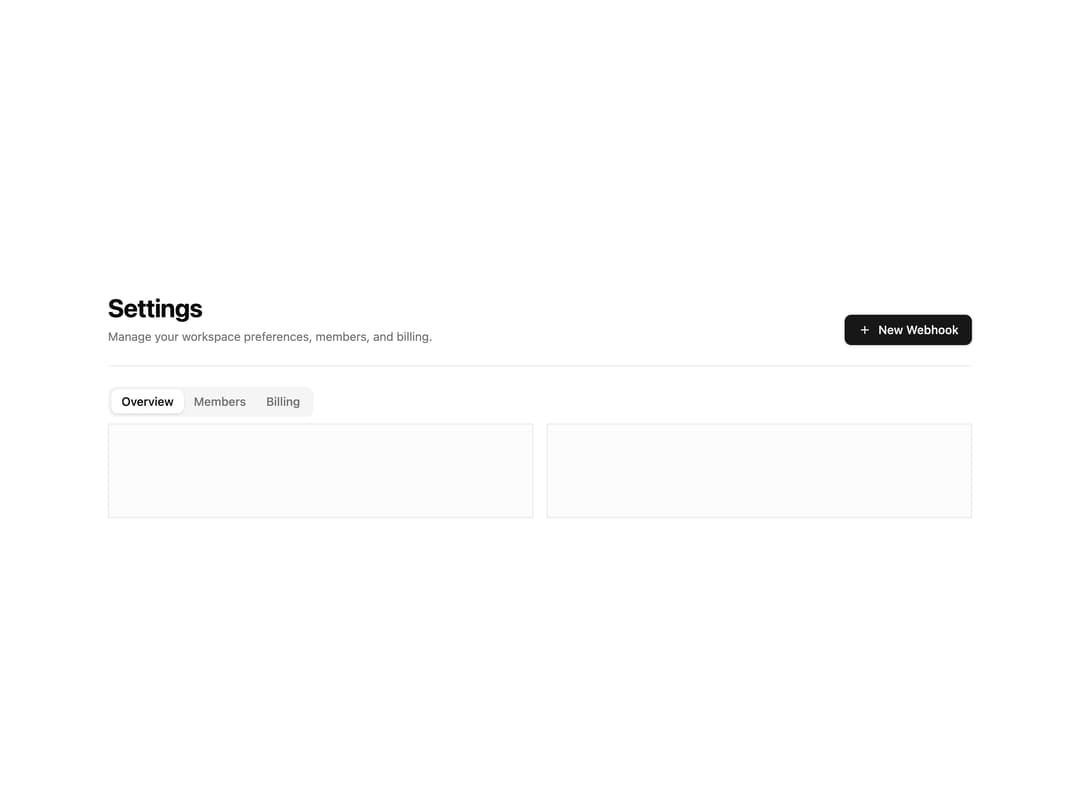
About
An application page header with a title, description, primary action button, and navigation tabs for switching between content sections.
Built with React and Tailwind. Copy the prompt and paste it into Claude Code, Cursor or Lovable: your agent adds Page Header with Tabs to your project and fits it to your theme.
Code
How Page Header with Tabs is used: the demo's code. The component's own source comes with a free account.
Usage.tsx
import PageHeaderBlock from "@/components/ui/page-header-3";

export default function Default() {
  return <PageHeaderBlock />;
}
Dependencies
More by 7Ovr - Oliver
View all

Dismissible Alert Stack
477
Us vs Them Comparison
360
Feature Comparison Table
304
How It Works Timeline
232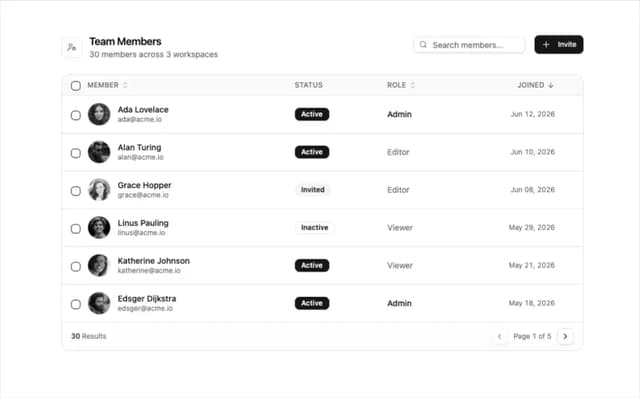
Team Members Data Table
227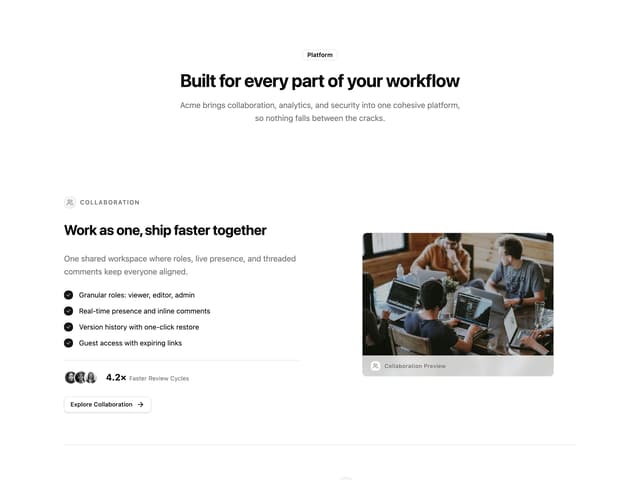
Alternating Rows With Stats
132
Logo Cloud Marquee
122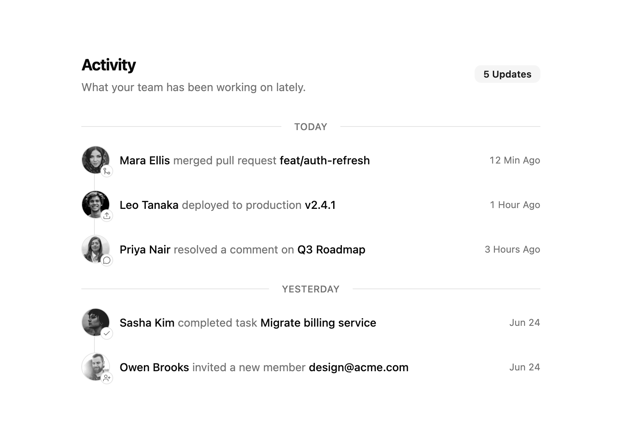
Activity Timeline
121
More in Buttons
View all
Button
20

Button
3

Button Group
18

Button
149

Icon Label Subtext Button
69

Button
9

Button
37
Texture Button
113

