About
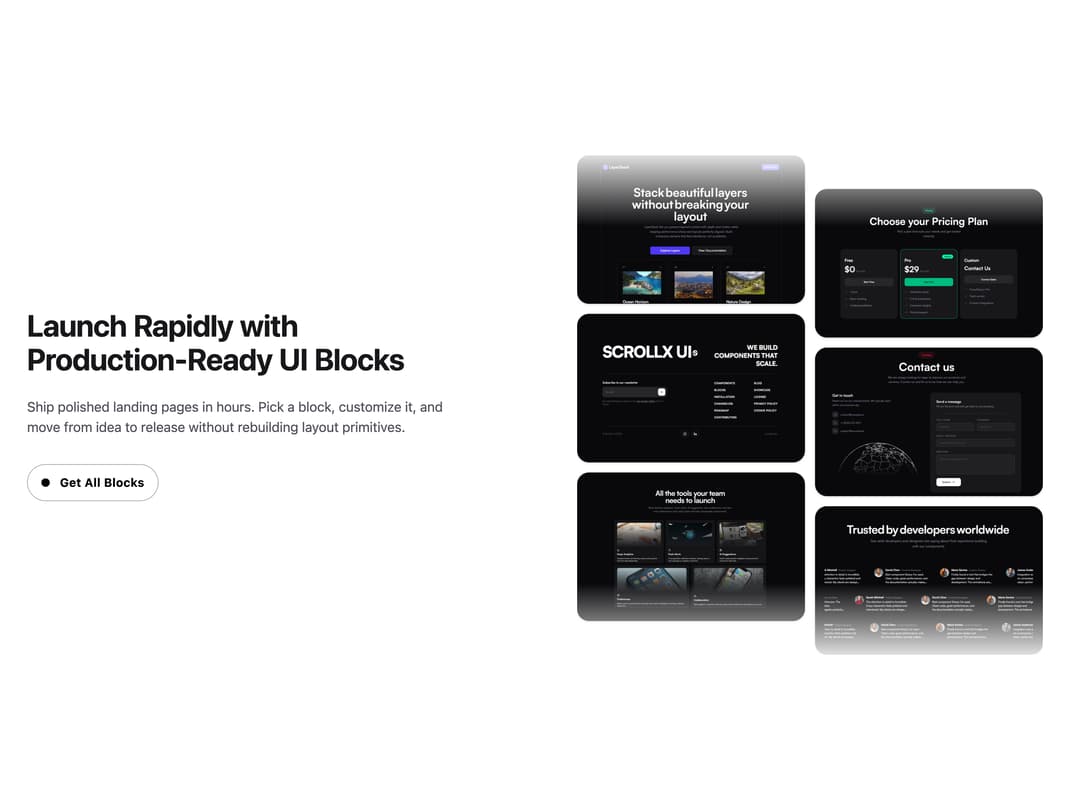
A call-to-action section pairing headline copy and a button with a two-column staggered gallery of images that animate into view on scroll.
Built with React and Tailwind. Copy the prompt and paste it into Claude Code, Cursor or Lovable: your agent adds CTA Section With Floating Gallery to your project and fits it to your theme.
Code
How CTA Section With Floating Gallery is used: the demo's code. The component's own source comes with a free account.
Usage.tsx
import CTAWithFloatingGallery from "@/components/ui/cta-section-with-floating-gallery";

export default function DemoPage() {
  return <CTAWithFloatingGallery />;
}
Dependencies
More by scrollxui
View all

Features With Panel
506
Contact with Globe
471
Hero Section with Cards
237
FAQ Accordion
207
Logo Cloud Marquee
188
Testimonials Vertical Marquee
119
Testimonials Marquee
117
Hero With Pixel Background
116
More in CTAs
View all

Hills Landscape Footer with Call to Action
324

Cta 4
310

Button
151
Call to action
186

Integrations Section
677

Responsive Hero Banner
2.2K

Hero
1.4K

Call to Action 01
64
