
About
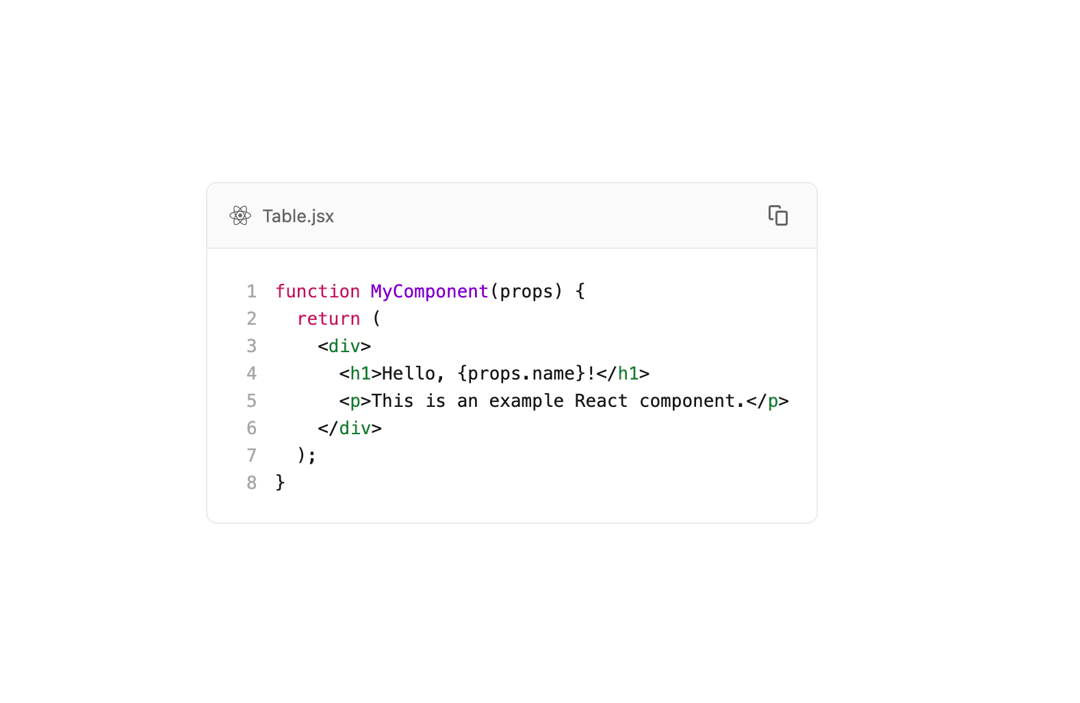
Code Block component used across Vercel and Next.js.
Built with React and Tailwind. Copy the prompt and paste it into Claude Code, Cursor or Lovable: your agent adds Code Block to your project and fits it to your theme.
Code
How Code Block is used: the demo's code. The component's own source comes with a free account.
Usage.tsx
import { CodeBlock } from "@/components/ui/code-block-1";

const code = `function MyComponent(props) {
  return (
    <div>
      <h1>Hello, {props.name}!</h1>
      <p>This is an example React component.</p>
    </div>
  );
}`;

export default function DefaultDemo() {
  return (
    <CodeBlock aria-label="Hello world" filename="Table.jsx" language="jsx">
      {code}
    </CodeBlock>
  );
}
Dependencies
More by tigran tumasov
View all
Product Hunt Badge
2K
Book
189
Calendar
157
Theme Switcher
143
Table
125
Snippet
125
Toggle
101
Feedback
95