
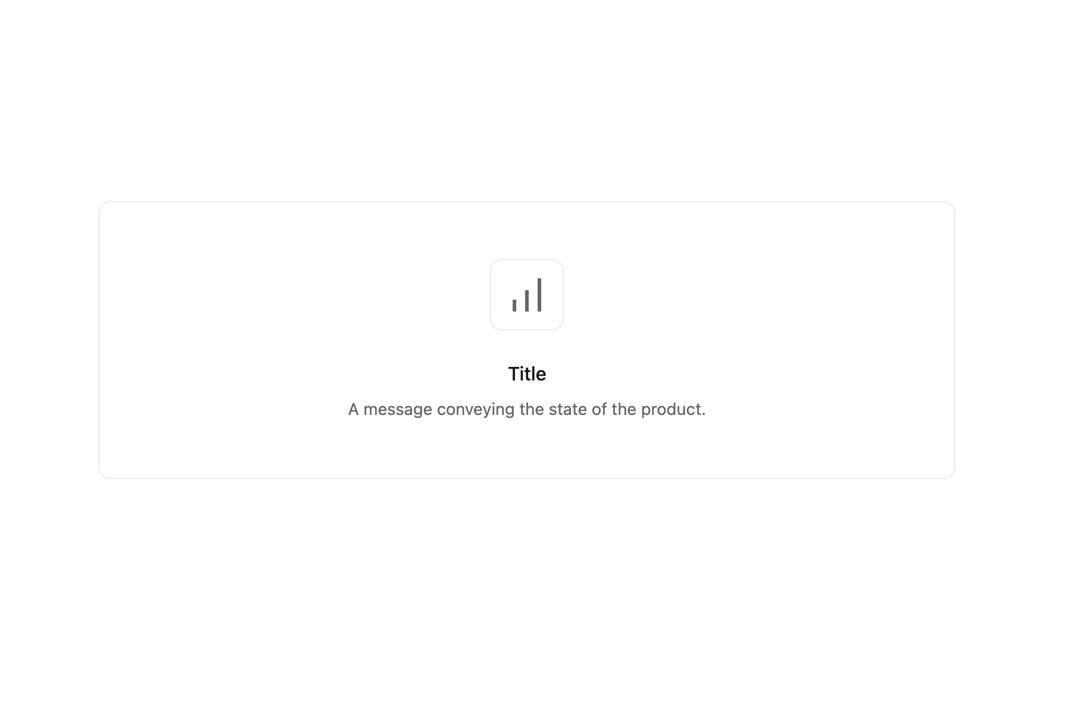
About
Fill spaces when no content has been added yet, or is temporarily empty due to the nature of the feature and should be designed to prevent confusion.
Built with React and Tailwind. Copy the prompt and paste it into Claude Code, Cursor or Lovable: your agent adds Empty State to your project and fits it to your theme.
Code
How Empty State is used: the demo's code. The component's own source comes with a free account.
Usage.tsx
import { EmptyState } from "@/components/ui/empty-state";

const ChartBarPeak = () => (
  <svg
    height="16"
    strokeLinejoin="round"
    viewBox="0 0 16 16"
    width="16"
    className="w-8 h-8"
  >
    <path
      fillRule="evenodd"
      clipRule="evenodd"
      d="M14 1V1.75V14.25V15H12.5V14.25V1.75V1H14ZM8.75 6V6.75V14.25V15H7.25V14.25V6.75V6H8.75ZM3.5 10.75V10H2V10.75V14.25V15H3.5V14.25V10.75Z"
    />
  </svg>
);

export default function DefaultDemo() {
  return (
    <div className="w-3/4">
      <EmptyState.Root
          description="A message conveying the state of the product."
          icon={<EmptyState.Icon icon={<ChartBarPeak />} />}
          title="Title"
        />
    </div>
  )
}
More by tigran tumasov
View all
Product Hunt Badge
2K
Book
189
Calendar
157
Theme Switcher
143
Table
125
Snippet
125
Toggle
101
Feedback
95
More in Cards
View all

Course Design Cards
1.3K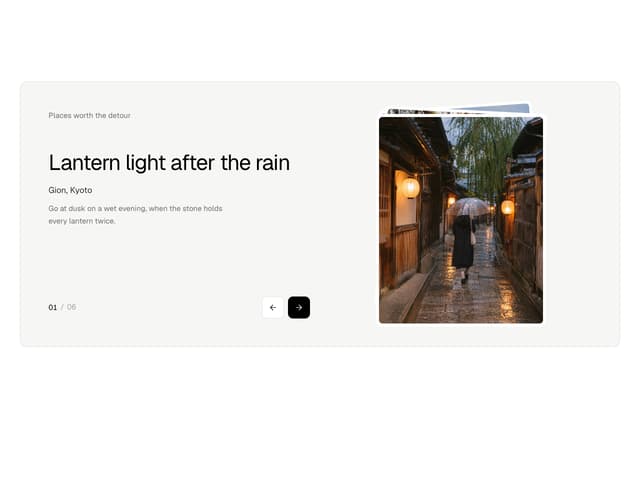

Photo Deck
47
Folded Card
45

Statistics Card 10
304
Statistics Card 2
309
Statistics Card 7
336

CTA Section
6

Liquid Glass Card
198
