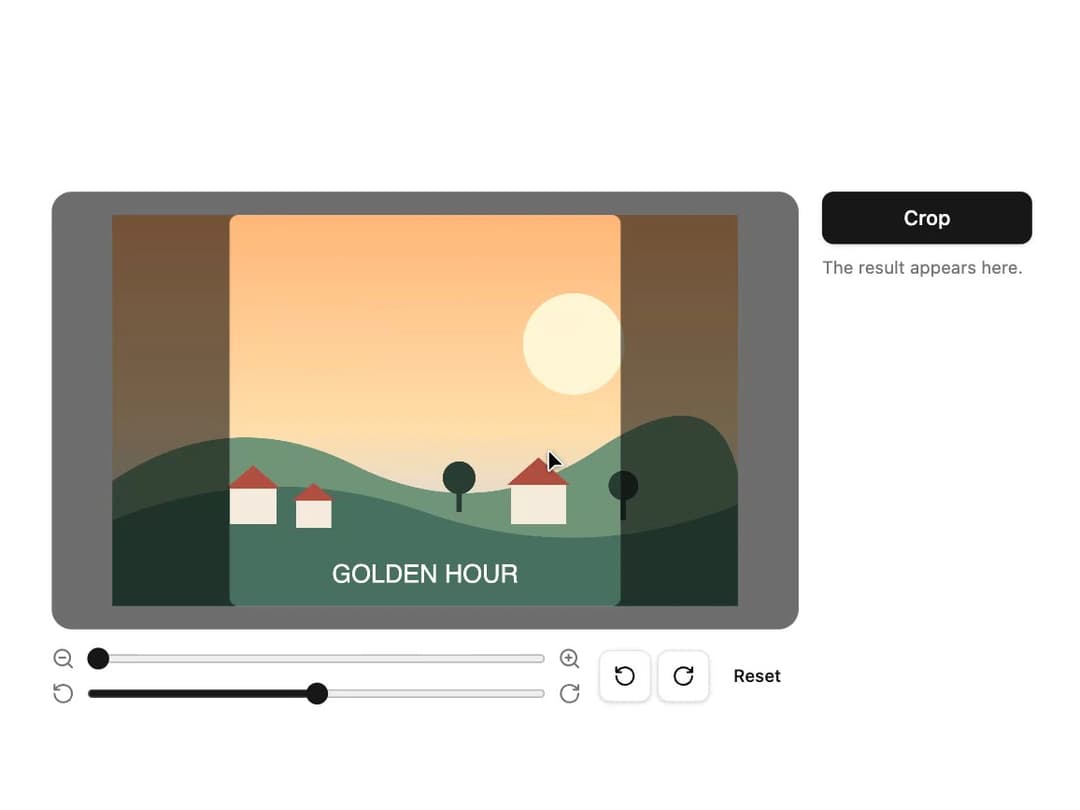
About
A fixed-frame image cropper where the picture moves under a still frame via drag, wheel/pinch/slider zoom, quarter-turn rotation and a straighten slider, exporting the crop to a canvas file — for profile pictures, avatars and any fixed-aspect upload.
Built with React and Tailwind. Copy the prompt and paste it into Claude Code, Cursor or Lovable: your agent adds Image Cropper to your project and fits it to your theme.
Code
How Image Cropper is used: the demo's code. The component's own source comes with a free account.
Usage.tsx
"use client";

import * as React from "react";

import { Button } from "@/components/ui/button";
import {
  ImageCropper,
  type ImageCropperHandle,
} from "@/components/ui/image-cropper";

/** A picture drawn in code, so the example needs no file: a sky, a sun, hills and a few houses, with enough detail to see what a crop keeps. */
const scene = `data:image/svg+xml;utf8,${encodeURIComponent(
  `<svg xmlns="http://www.w3.org/2000/svg" width="1600" height="1000" viewBox="0 0 1600 1000"><defs><linearGradient id="sky" x1="0" y1="0" x2="0" y2="1"><stop offset="0" stop-color="rgb(255,183,120)"/><stop offset="0.55" stop-color="rgb(255,222,170)"/><stop offset="1" stop-color="rgb(190,215,255)"/></linearGradient></defs><rect width="1600" height="1000" fill="url(#sky)"/><circle cx="1180" cy="330" r="130" fill="rgb(255,246,214)"/><path d="M0 680 Q300 480 620 640 T1240 600 T1600 660 V1000 H0Z" fill="rgb(112,148,120)"/><path d="M0 780 Q400 620 800 760 T1600 740 V1000 H0Z" fill="rgb(72,112,96)"/><g fill="rgb(245,235,220)"><rect x="300" y="700" width="120" height="90"/><rect x="470" y="730" width="90" height="70"/><rect x="1020" y="690" width="140" height="100"/></g><g fill="rgb(176,78,64)"><path d="M290 700 L360 640 L430 700Z"/><path d="M460 730 L515 685 L570 730Z"/><path d="M1010 690 L1090 620 L1170 690Z"/></g><g fill="rgb(40,60,52)"><rect x="880" y="690" width="14" height="70"/><circle cx="887" cy="672" r="42"/><rect x="1300" y="710" width="14" height="70"/><circle cx="1307" cy="692" r="38"/></g><text x="800" y="940" font-family="sans-serif" font-size="64" text-anchor="middle" fill="rgb(255,255,255)">GOLDEN HOUR</text></svg>`,
)}`;

export default function ImageCropperDemo() {
  const cropper = React.useRef<ImageCropperHandle>(null);
  const [result, setResult] = React.useState<string | null>(null);
  React.useEffect(
    () => () => void (result && URL.revokeObjectURL(result)),
    [result],
  );
  const crop = async () => {
    const blob = await cropper.current?.toBlob({
      width: 480,
      type: "image/jpeg",
    });
    if (blob) setResult(URL.createObjectURL(blob));
  };
  return (
    <div className="grid w-full max-w-2xl gap-4 sm:grid-cols-[1fr_9rem] sm:items-start">
      <ImageCropper
        cropperRef={cropper}
        src={scene}
        aspect={1}
        alt="Crop the sunset picture"
        height={300}
      />
      <div className="grid gap-2">
        <Button type="button" onClick={crop}>
          Crop
        </Button>
        {result ? (
          <img
            src={result}
            alt="The cropped picture"
            className="aspect-square w-full rounded-lg border object-cover"
          />
        ) : (
          <p className="text-xs text-muted-foreground">
            The result appears here.
          </p>
        )}
      </div>
    </div>
  );
}
Dependencies
More by vamsiy78
View all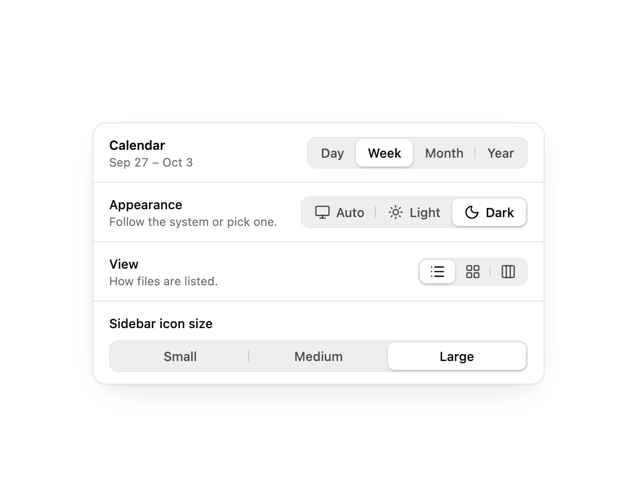

Segmented Control
8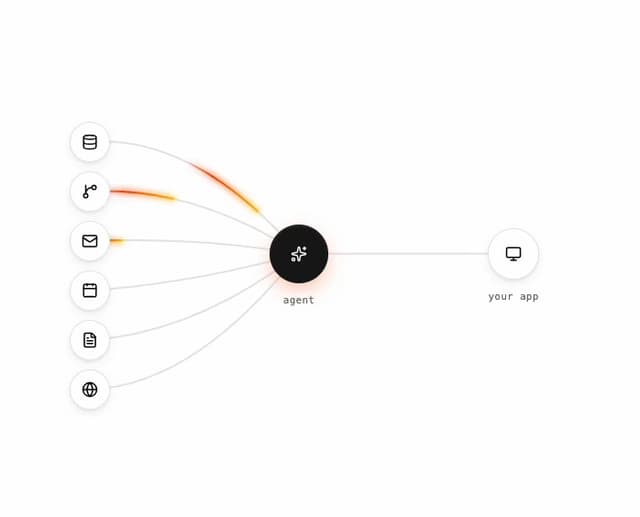
Animated Beam
7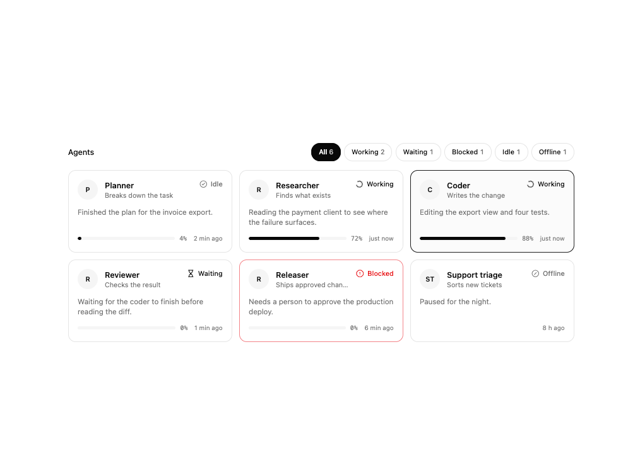
Agent Roster
5
Table Of Contents
1
API Key Field
1
Toast Stack
Team Portrait Grid
Search Field