About
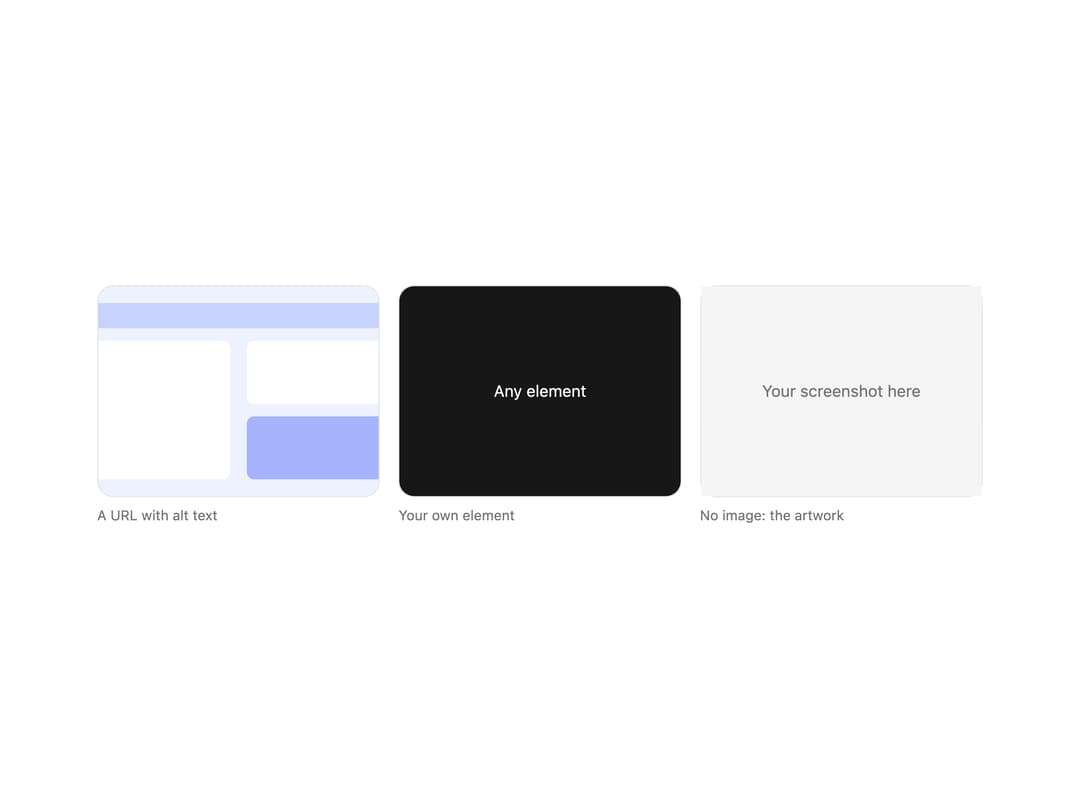
A responsive image slot that reserves its layout space, lazy-loads the file, accepts a URL, an object with required alt text and an optional dark-mode variant, or any custom element, and falls back to placeholder artwork when there's no image or it fails to load.
Built with React and Tailwind. Copy the prompt and paste it into Claude Code, Cursor or Lovable: your agent adds Media to your project and fits it to your theme.
Code
How Media is used: the demo's code. The component's own source comes with a free account.
Usage.tsx
import { Media } from "@/components/ui/media";

// A tiny SVG stands in for your own file, so this example works anywhere.
const screenshot = `data:image/svg+xml;utf8,${encodeURIComponent(
  '<svg xmlns="http://www.w3.org/2000/svg" viewBox="0 0 640 400"><rect width="640" height="400" fill="#eef2ff"/><rect x="32" y="32" width="576" height="48" rx="10" fill="#c7d2fe"/><rect x="32" y="104" width="272" height="264" rx="14" fill="#fff"/><rect x="336" y="104" width="272" height="120" rx="14" fill="#fff"/><rect x="336" y="248" width="272" height="120" rx="14" fill="#a5b4fc"/></svg>',
)}`;

function Artwork() {
  return (
    <div className="from-muted to-accent absolute inset-0 grid place-items-center bg-gradient-to-br text-sm text-muted-foreground">
      Your screenshot here
    </div>
  );
}

export default function MediaDemo() {
  return (
    <div className="grid w-full max-w-3xl gap-4 sm:grid-cols-3">
      <figure className="grid gap-2">
        <Media
          media={screenshot}
          alt="The dashboard showing this month's revenue"
          aspect="photo"
          className="rounded-xl border"
        />
        <figcaption className="text-muted-foreground text-xs">
          A URL with alt text
        </figcaption>
      </figure>
      <figure className="grid gap-2">
        <Media
          media={
            <div className="bg-primary text-primary-foreground grid size-full place-items-center text-sm">
              Any element
            </div>
          }
          aspect="photo"
          className="rounded-xl border"
        />
        <figcaption className="text-muted-foreground text-xs">
          Your own element
        </figcaption>
      </figure>
      <figure className="grid gap-2">
        <Media
          aspect="photo"
          fallback={<Artwork />}
          className="rounded-xl border"
        />
        <figcaption className="text-muted-foreground text-xs">
          No image: the artwork
        </figcaption>
      </figure>
    </div>
  );
}
More by vamsiy78
View all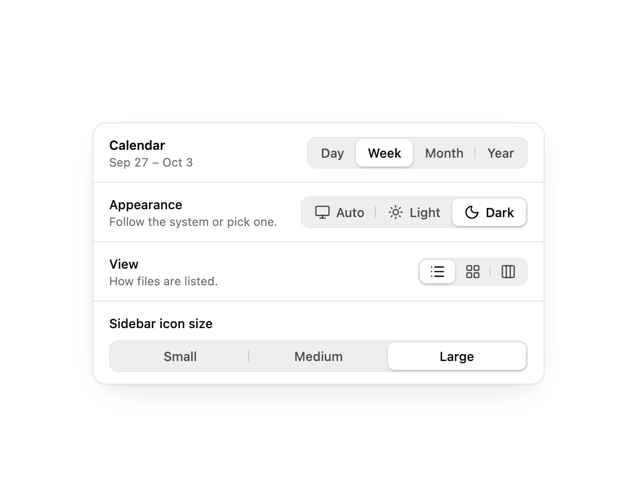

Segmented Control
8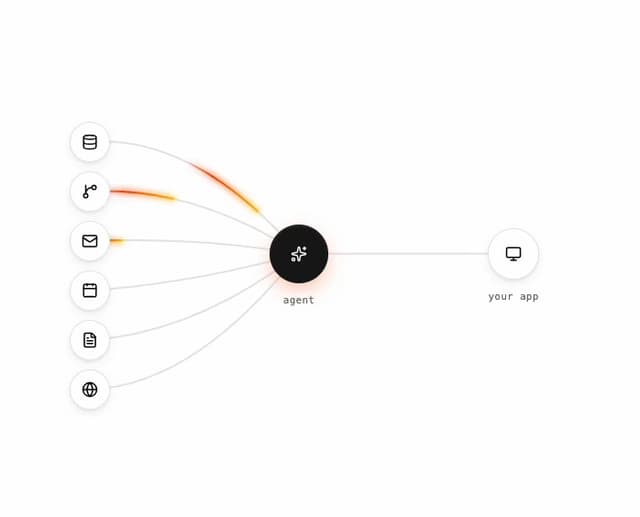
Animated Beam
7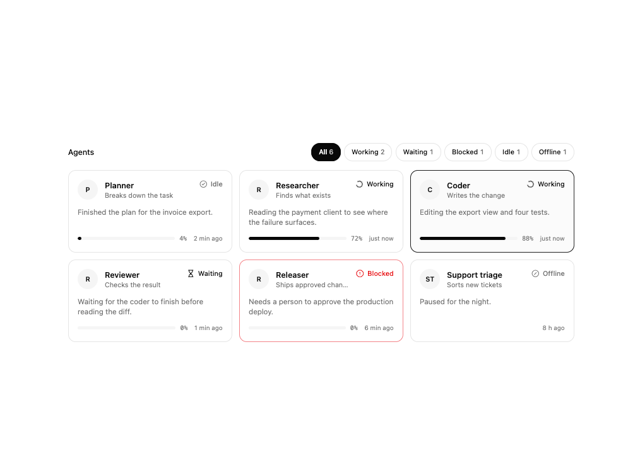
Agent Roster
5
Table Of Contents
1
API Key Field
1
Toast Stack
Team Portrait Grid
Image Cropper